

herask
-
Posts
218 -
Joined
-
Last visited
Content Type
Profiles
Forums
Gallery
Events
Everything posted by herask
-

Yet Another Pandora 3D build
herask replied to herask's topic in CAD and 3D Modelling/Drafting Plans with Software
Zack, there's a mirror modifier you can use to mirror frames from one side to the other. just make sure that the origin point is in the middle (x or y axis, depending on how you oriented the keel). I've traced the plans with curves, which I have then transformed into meshes, connected the mesh lines and got a hull shell. but, it seems to me (I might be wrong) that you still have to learn the tool before tackling ship modeling. you might wanna try something simpler for starters, follow some hard surface tutorials on YouTube (there's plenty), or even car or archviz ones. what you learn there is going to be enough for ship modeling. good luck and don't get discouraged. blender is really powerful and there's a lot to cover, but once you know the tool all you'll need is time to do everything you'd like to model... ;-D -
Importing Images Into Sketchup
herask replied to Billtoons's topic in CAD and 3D Modelling/Drafting Plans with Software
try this: insert images: https://www.youtube.com/watch?v=T4r6nGIsmAc new to sketchup: https://www.youtube.com/playlist?list=PLF001616C0ADF4245 beginner tutorials: https://www.youtube.com/playlist?list=PL190C90DCE62242C9 -
just awesome, mate!
-
jesus!! my good man, this is from outer world! c'mon, make a mistake! chip off some edge which isn't going to be visible anyway. I dare you. just one, for the audience, so we know you're a human... ;-))
-
niiice! this one's on my to-do list for a 3d model. best of luck with the beast! Denis
-
carvings and ornaments are out of this world! another jaw drop here! Pozdrav iz ZG! ;-) Denis
- 86 replies
-
- 3
-

-
- royal caroline
- yacht
- (and 1 more)
-
Pandora by marsalv - FINISHED - 1:52
herask replied to marsalv's topic in - Build logs for subjects built 1751 - 1800
I hope my 3d build will look as half as good as your Pandora. it's a joy to watch your progress, mate! -
ROYAL CAROLINE 1749 by Doris - 1:40 - CARD
herask replied to DORIS's topic in - Build logs for subjects built 1501 - 1750
coming late to the party, but better late than never to hurt my jaw by dropping it on the floor!! (again!! this has become common occurrence for me on this forum) if I was allowed to enter that room I would have never seen the daylight again... no words, Doris, no words.... ;-)) cheers! Denis- 883 replies
-
- 6
-
-
- royal caroline
- ship of the line
- (and 1 more)
-
Yet Another Pandora 3D build
herask replied to herask's topic in CAD and 3D Modelling/Drafting Plans with Software
just wanted to inform you guys I will need to put The Pandora on hold for a while. another project came up and for the time being this one's will have to wait... :-( but will definitely continue with it. cheers! Denis -
also take a look at this: http://modelshipworldforum.com/ship-model-plans-and-research.php -> Drafting Ship Plans in CAD - Wayne Kempson. helped me a lot... ;-)
-
Dilbert, here's one 3d modeler who's got hooked on ship building. it's been 3 months since I found out about MSW and its awesome community of scale model wizards. even though I've seen a lot of wizardry in CG world I was still floored with what I've seen here. naturally now I'm building my own 3d ship - the hard way, of course! :-D oh, in my case, creating a 3d model is waaay quicker than doing it in wood, sawdusting the neighborhood, chopping off fingers....
-
Yet Another Pandora 3D build
herask replied to herask's topic in CAD and 3D Modelling/Drafting Plans with Software
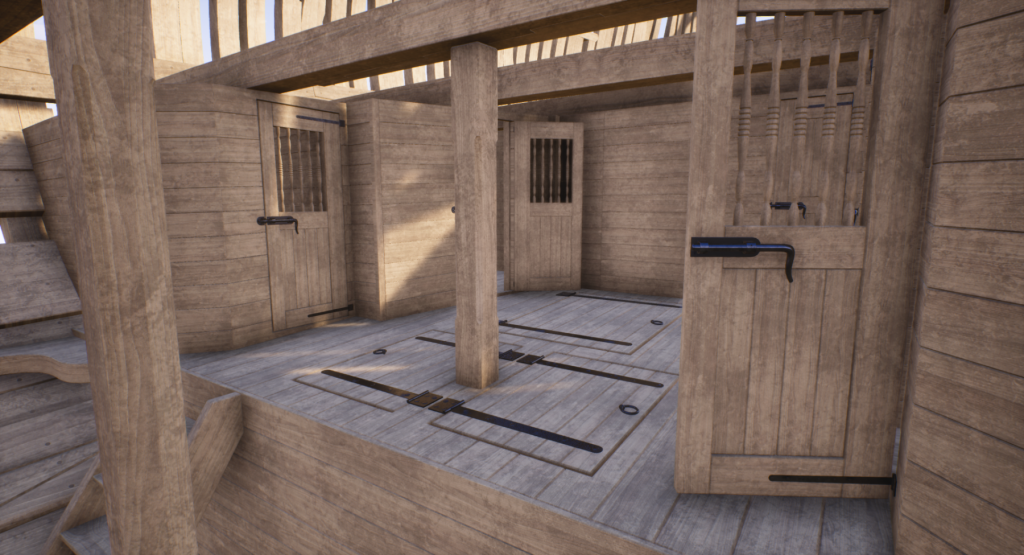
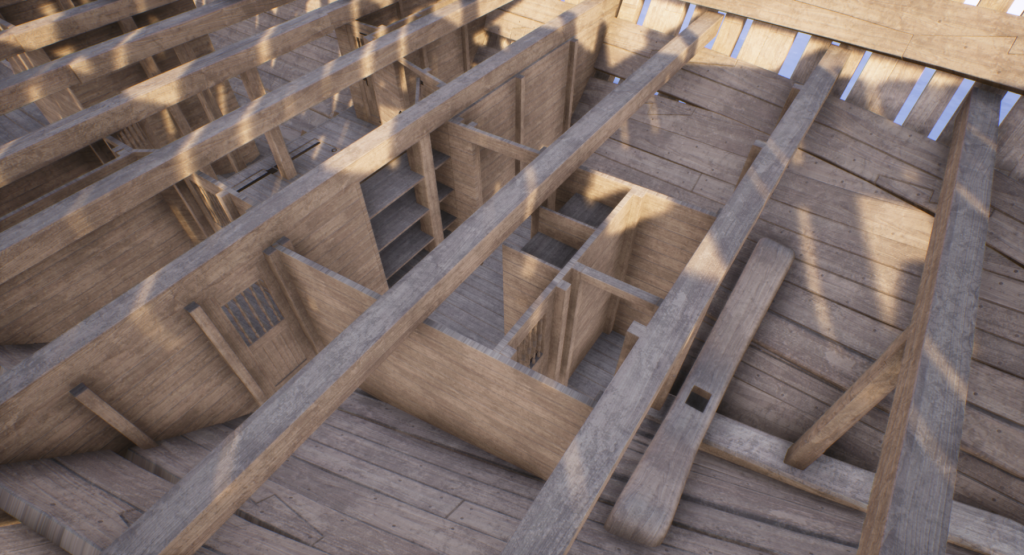
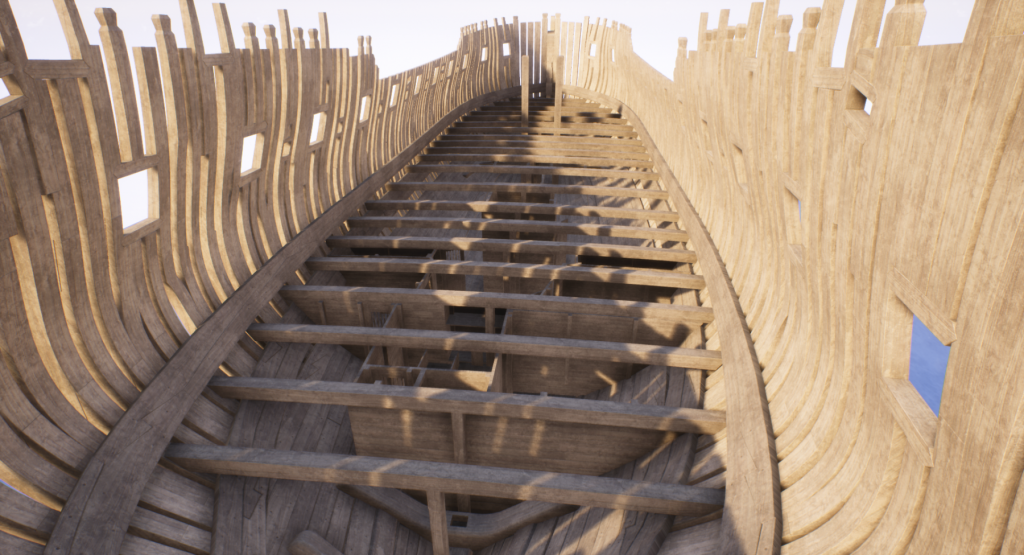
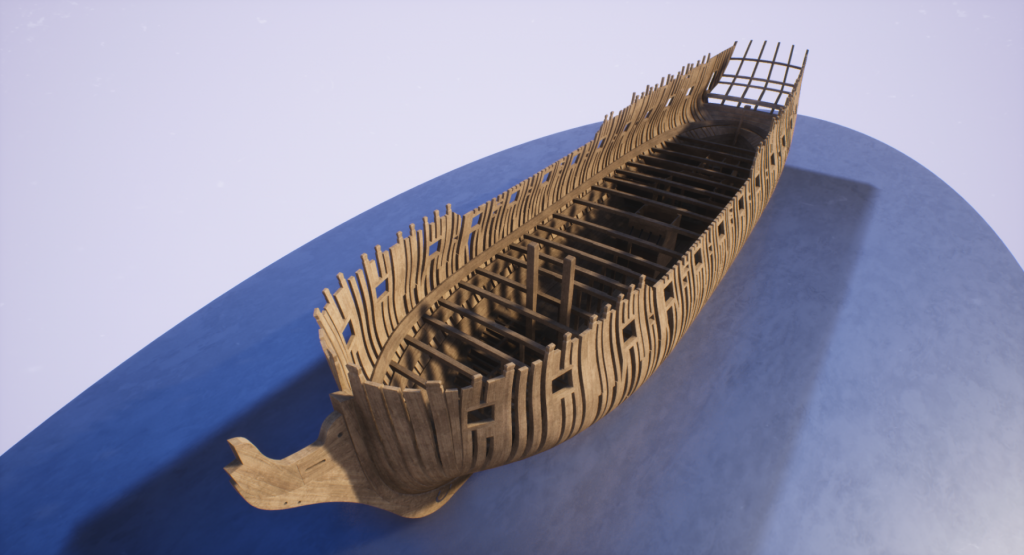
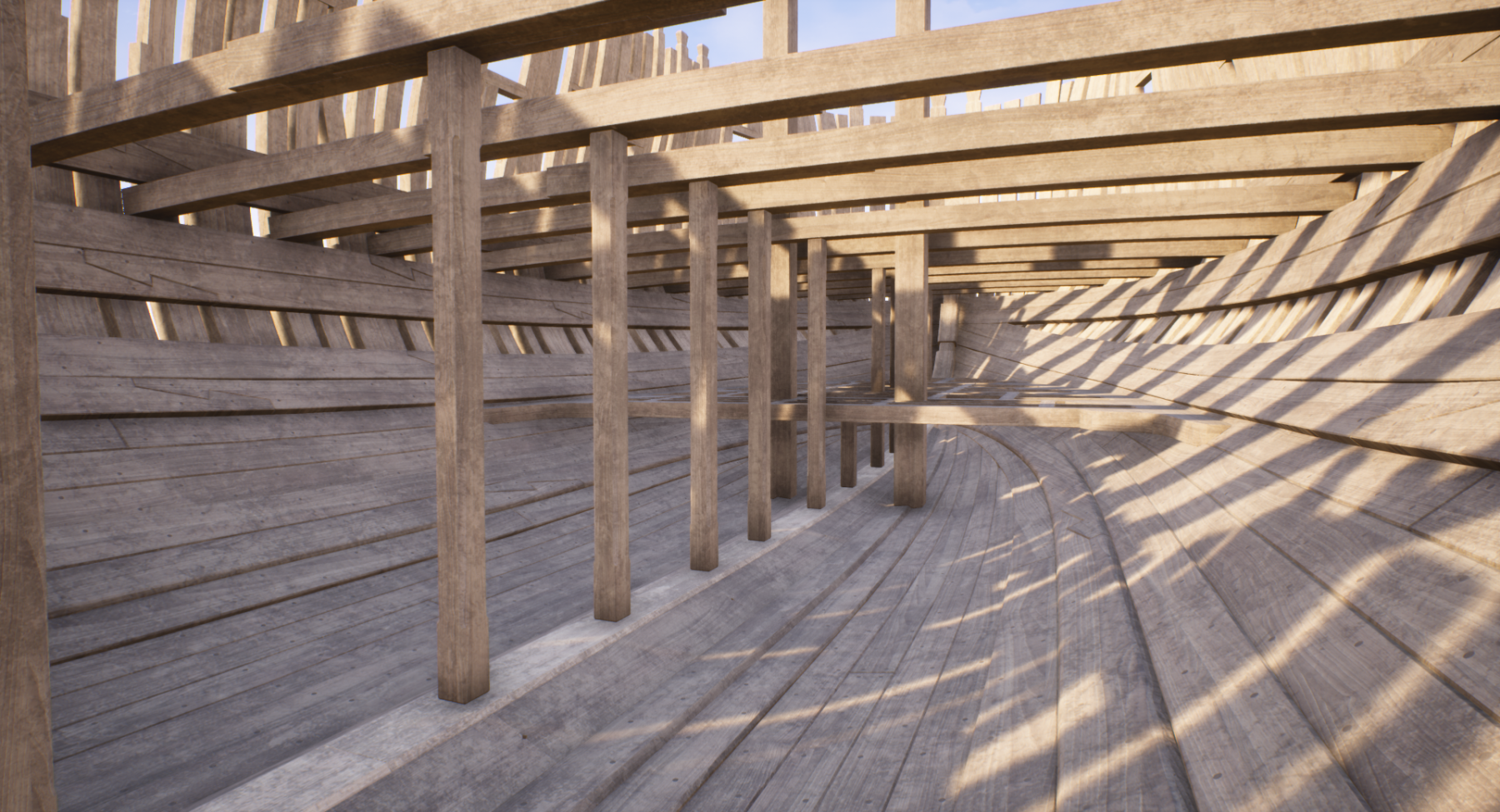
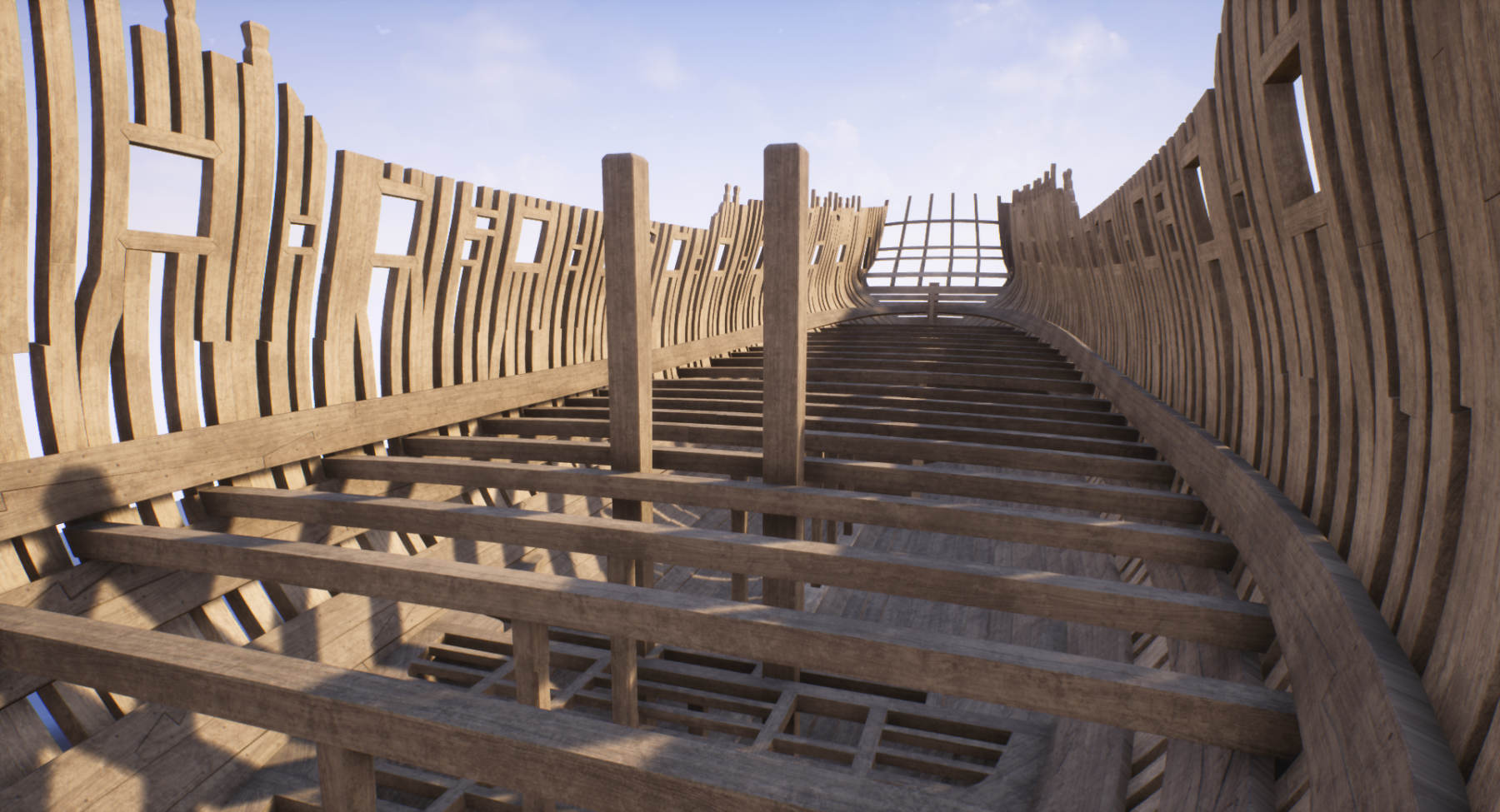
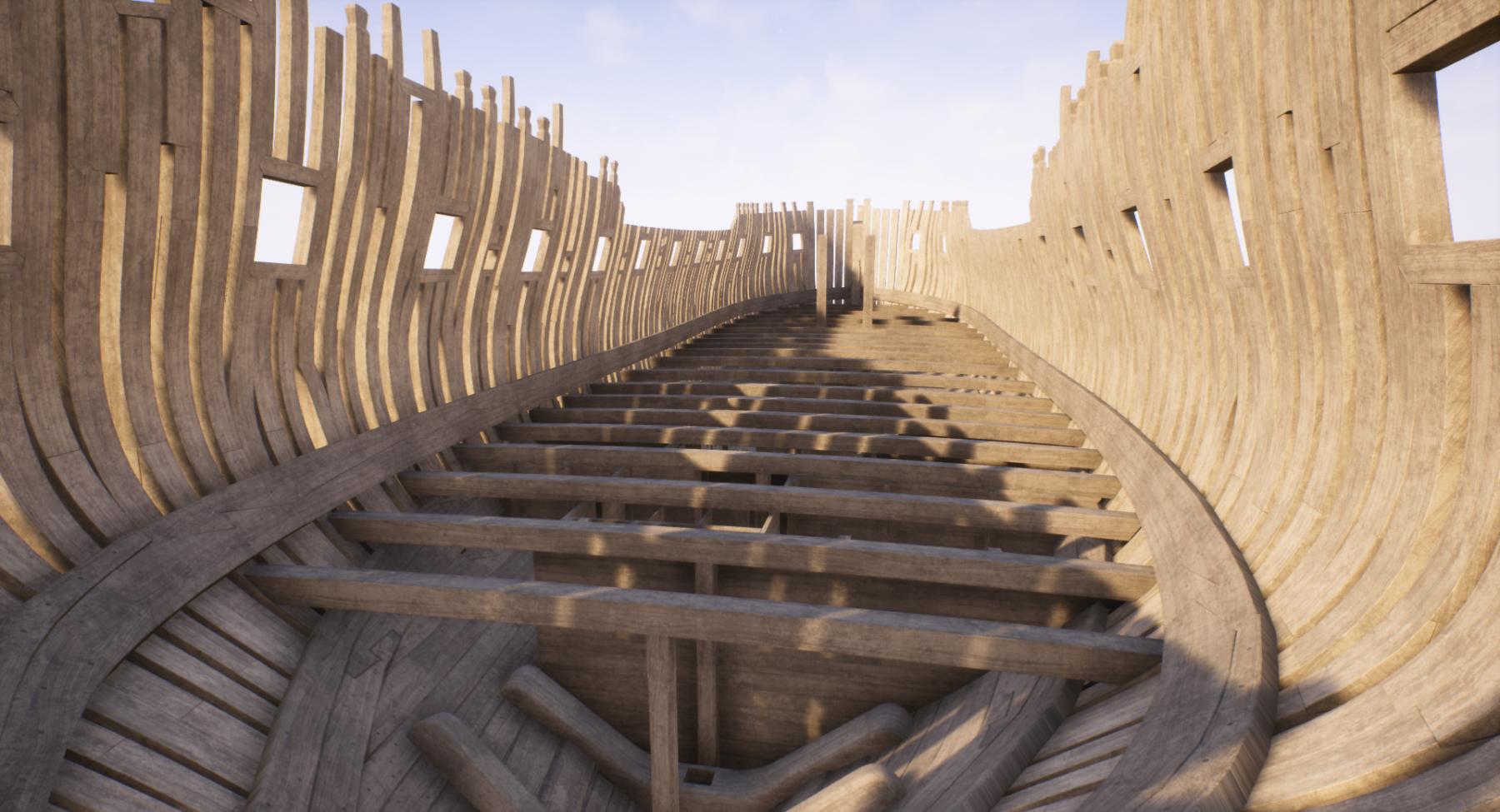
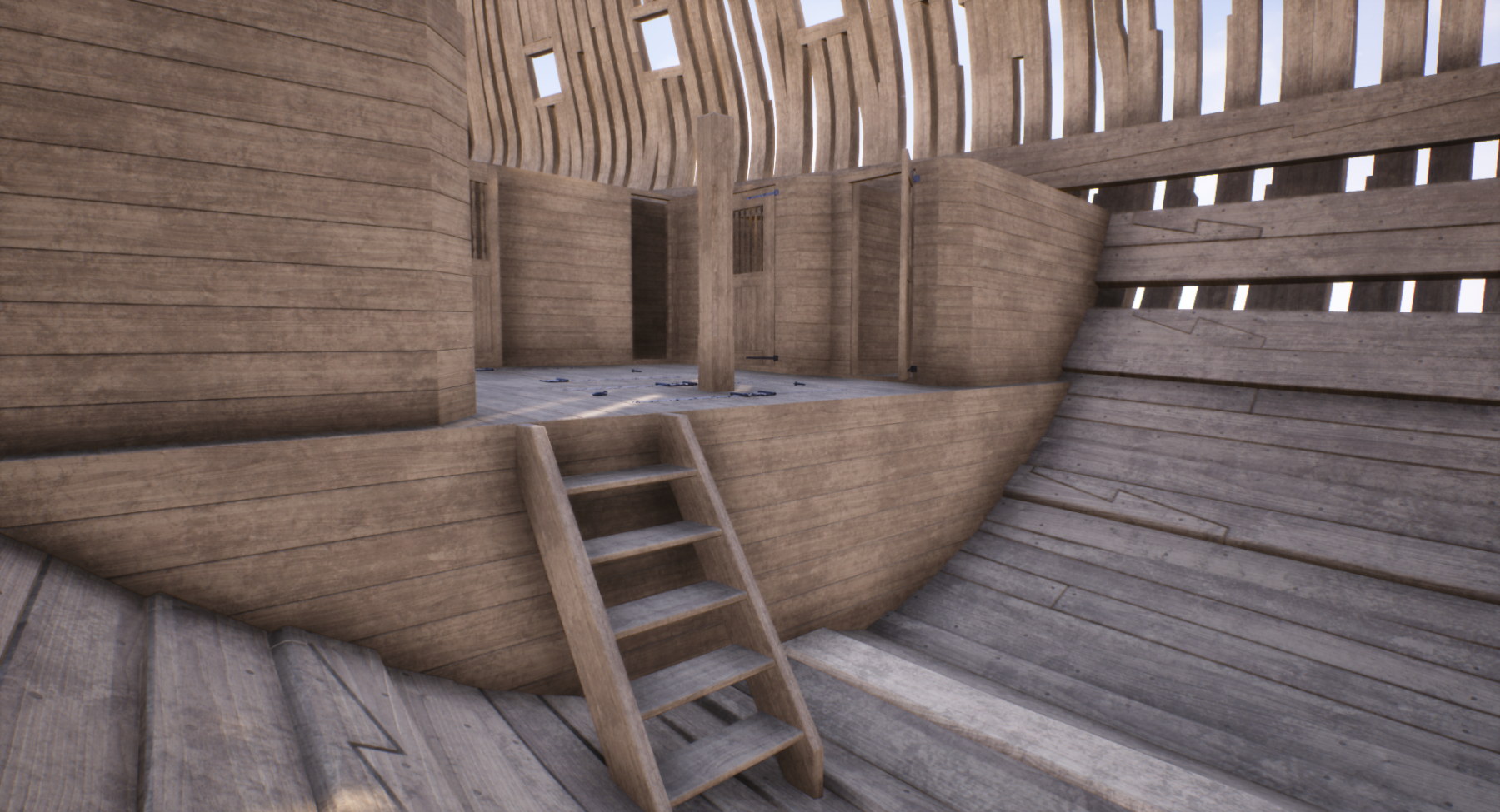
more screenshots from UE4...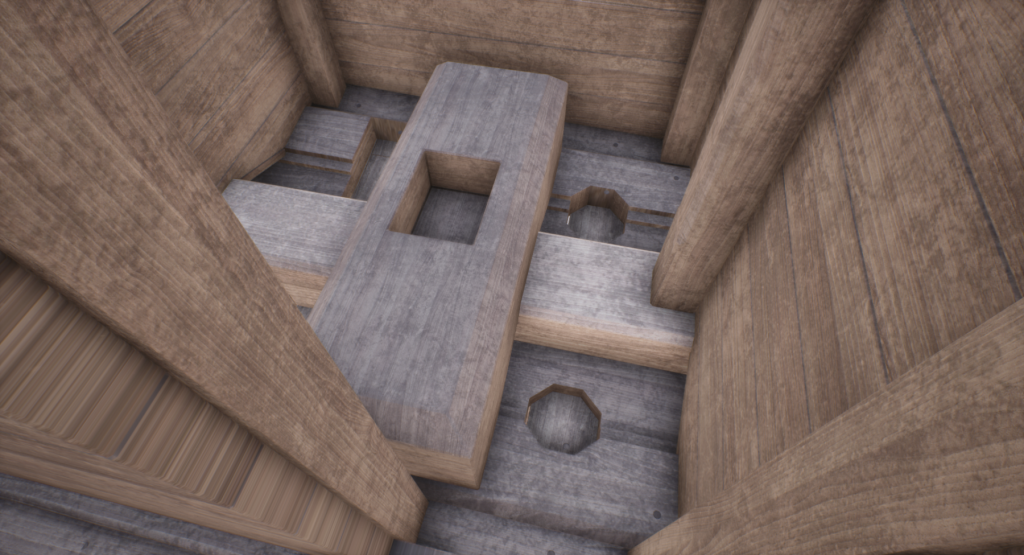
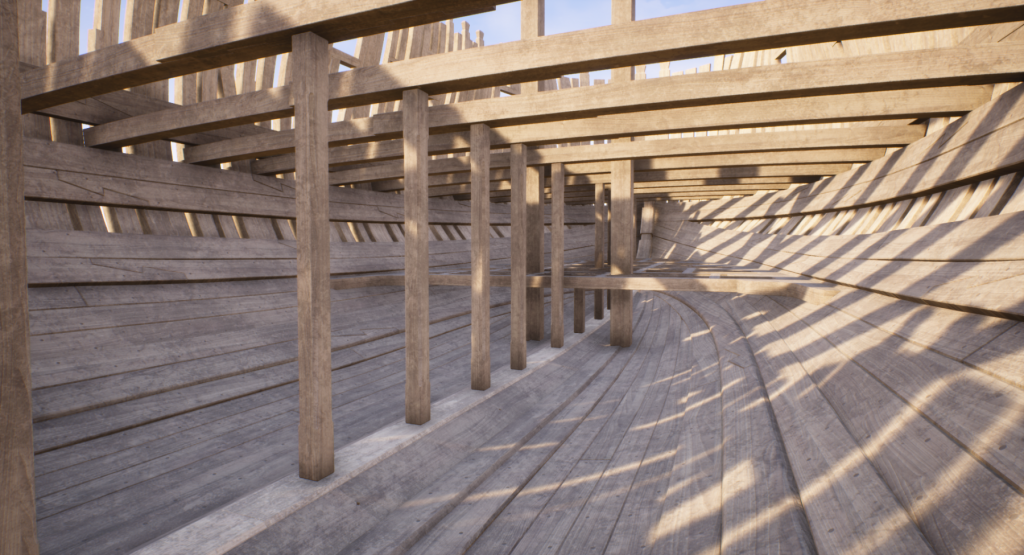
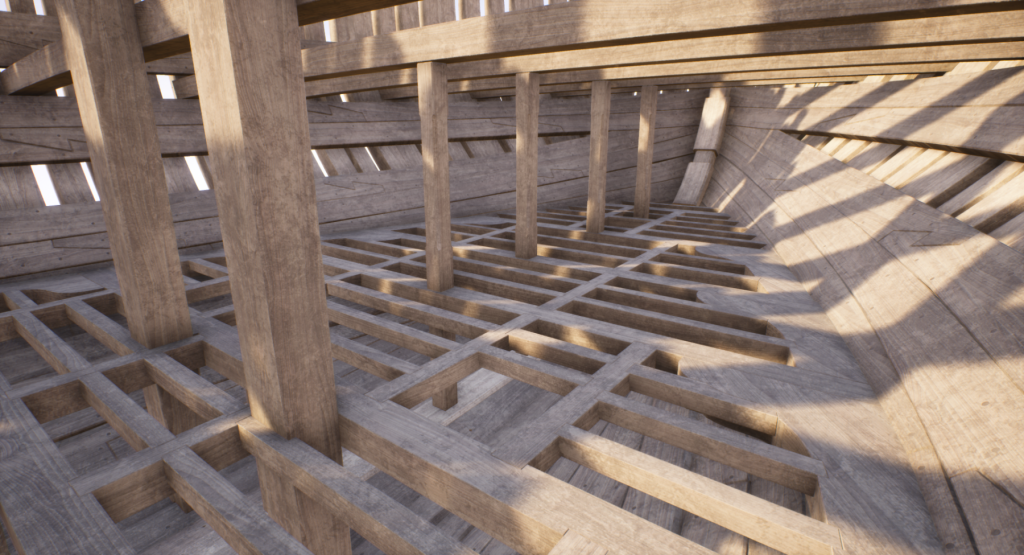
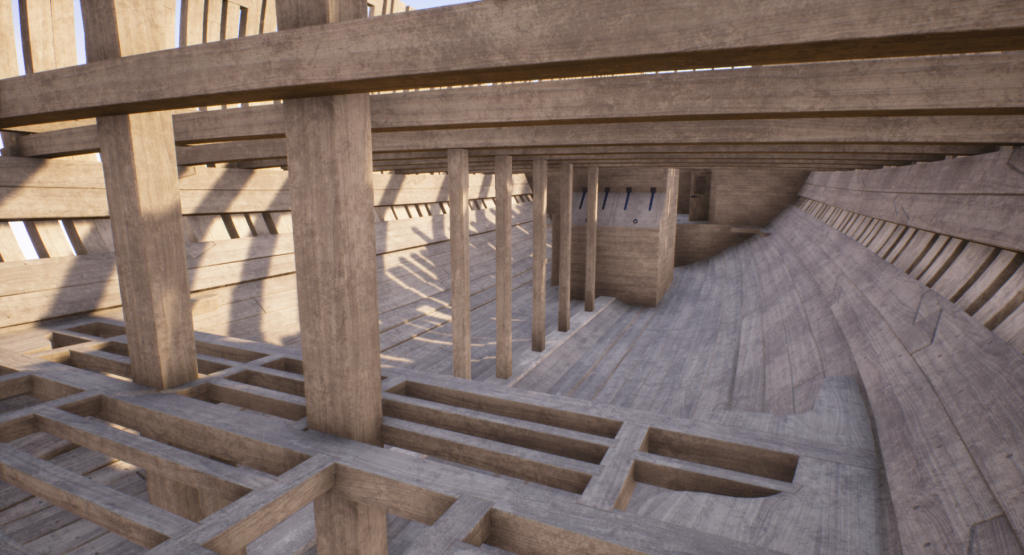
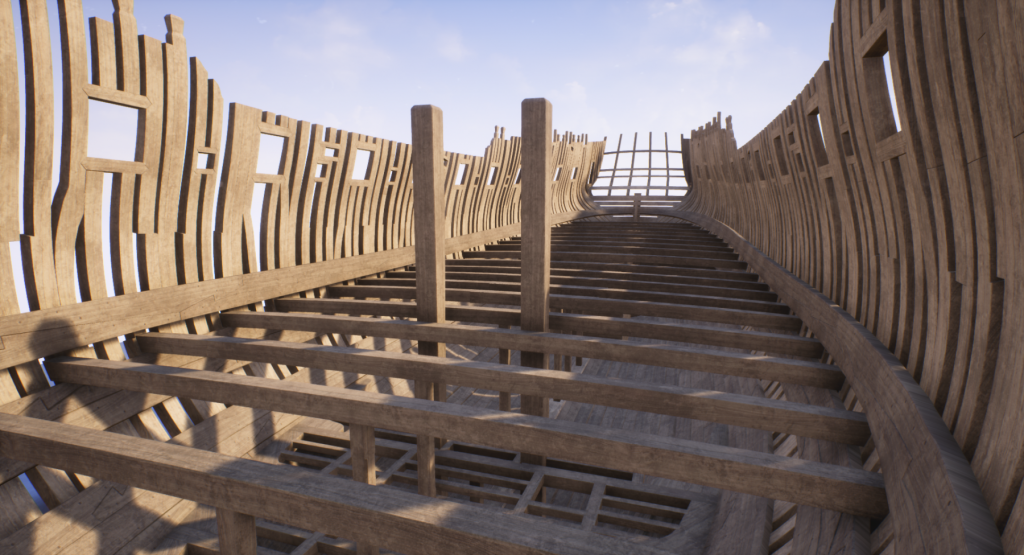
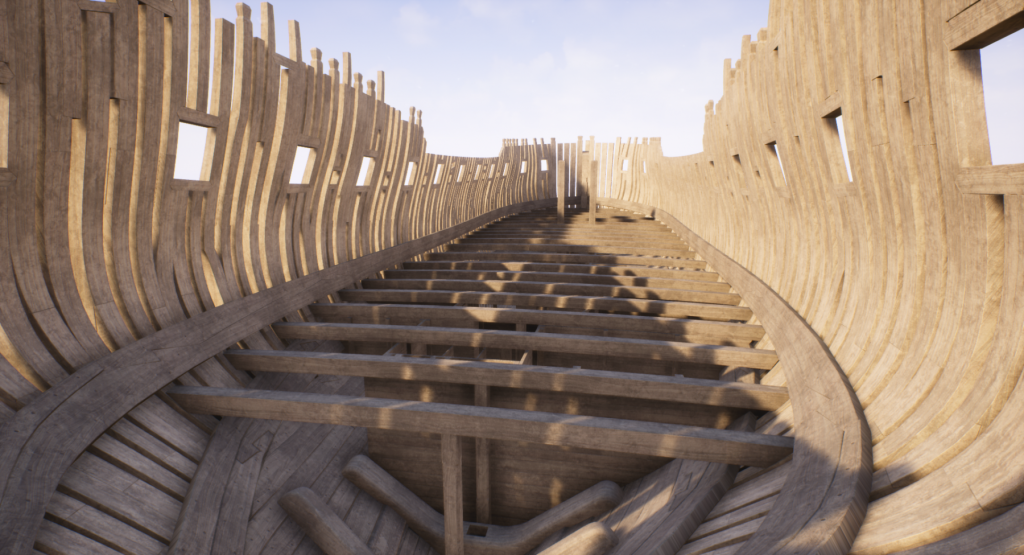
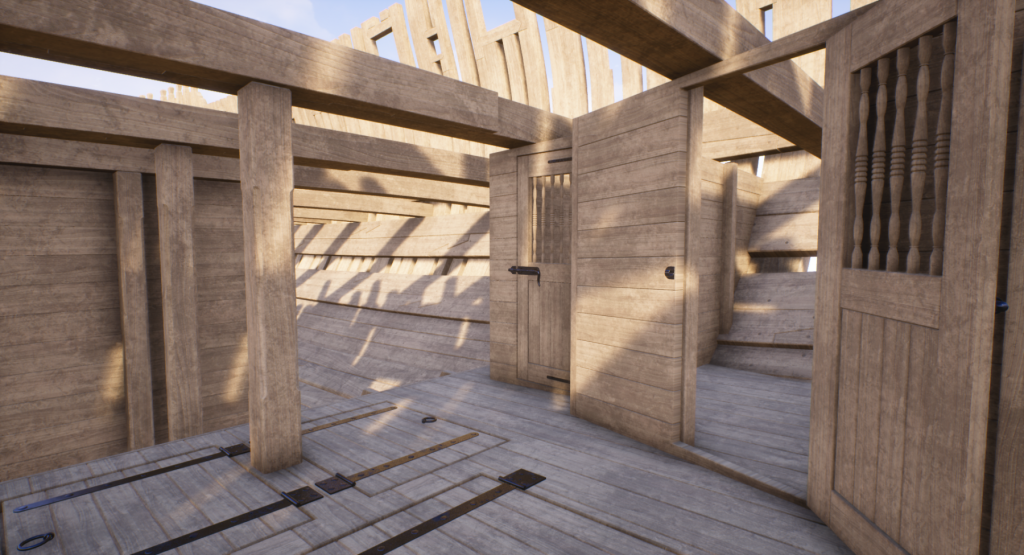
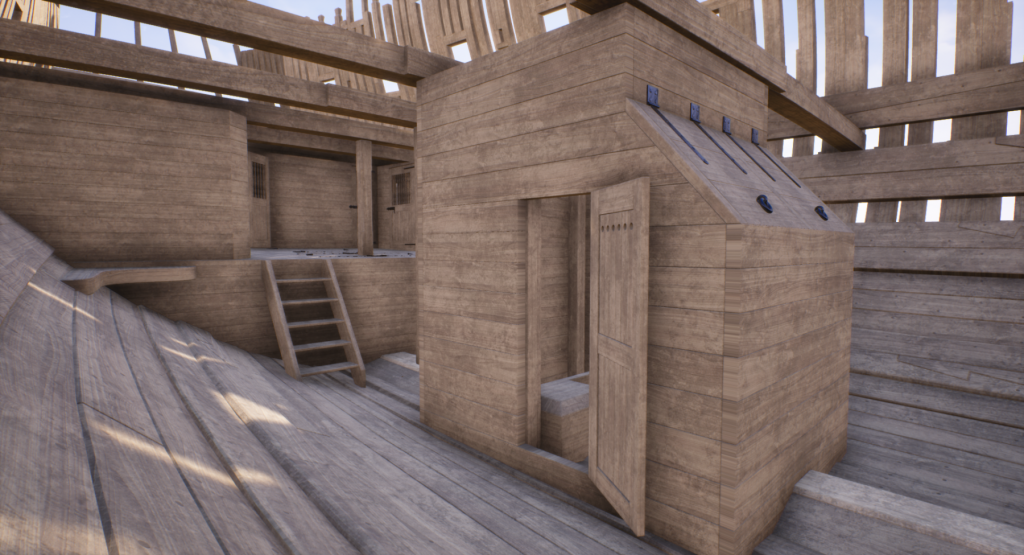
- 119 replies
-
- 10
-
-
Yet Another Pandora 3D build
herask replied to herask's topic in CAD and 3D Modelling/Drafting Plans with Software
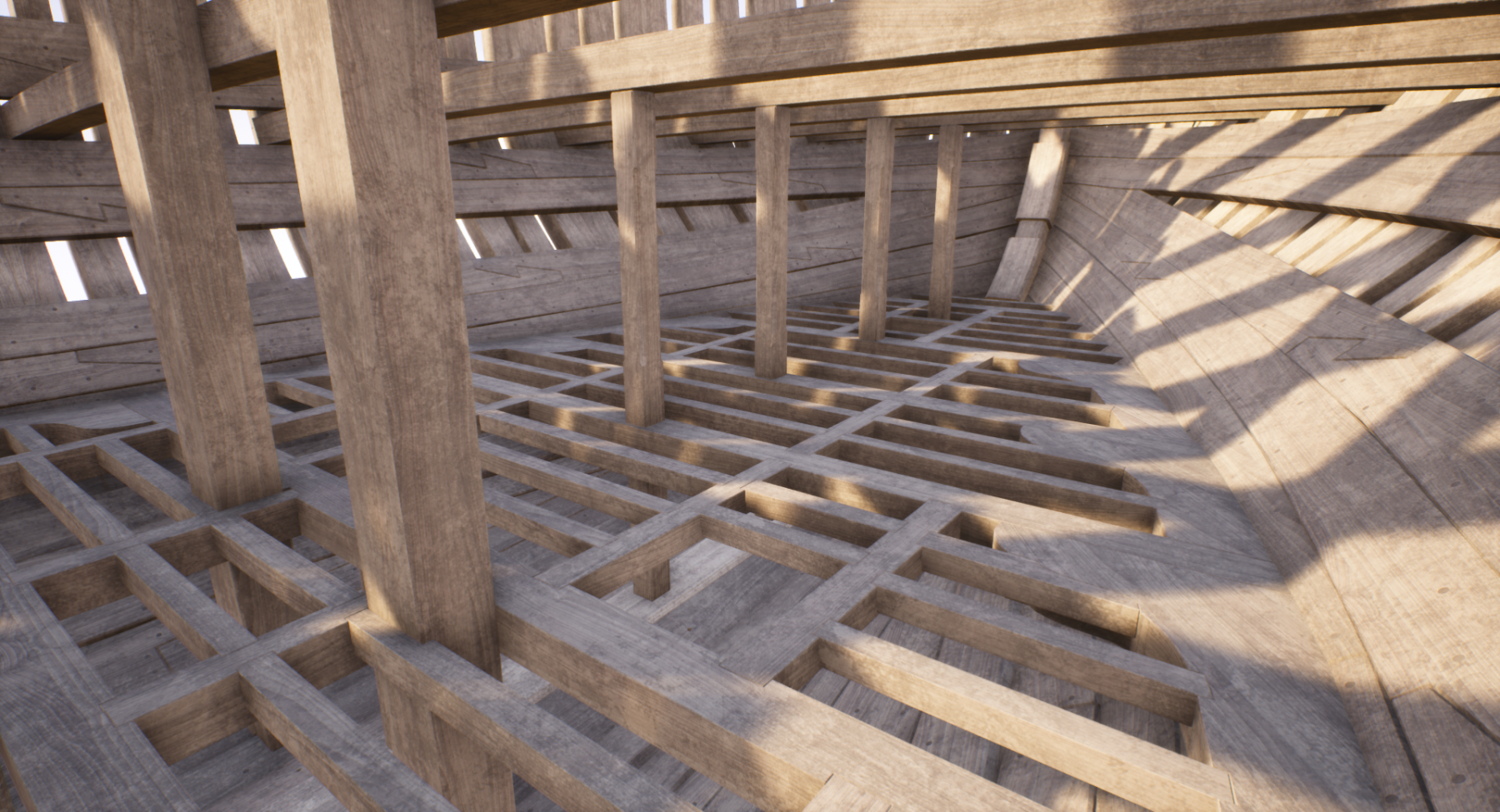
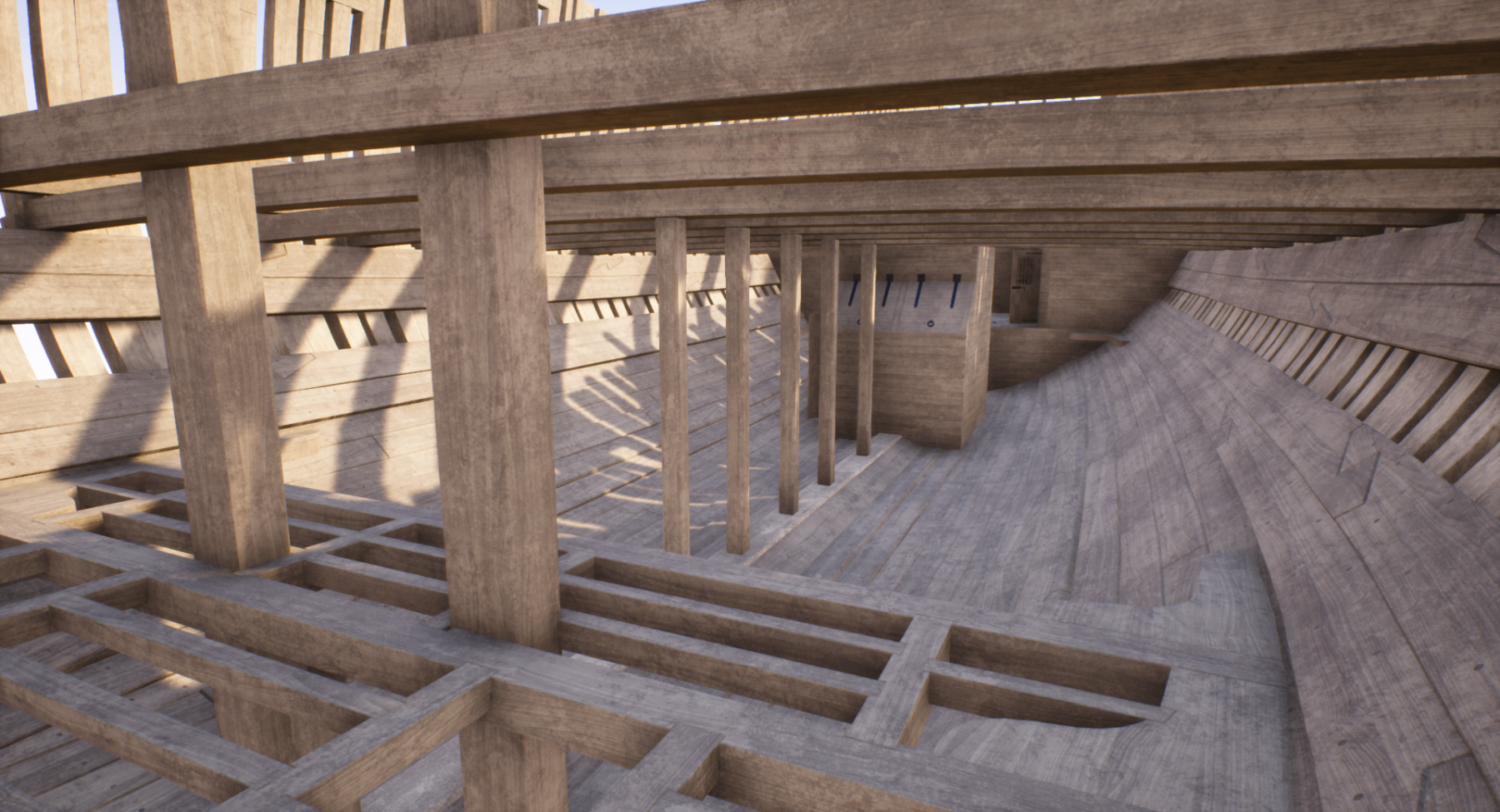
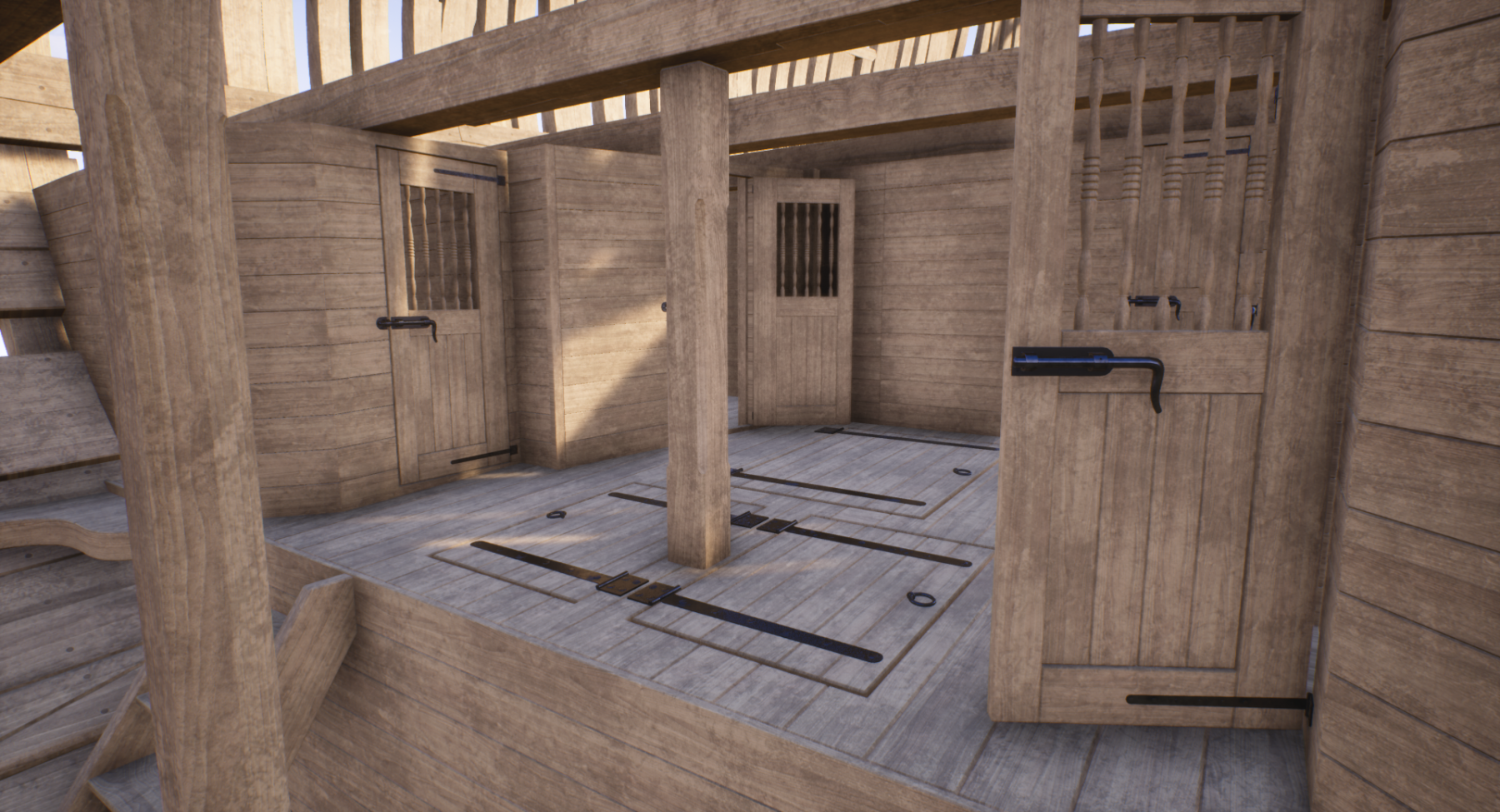
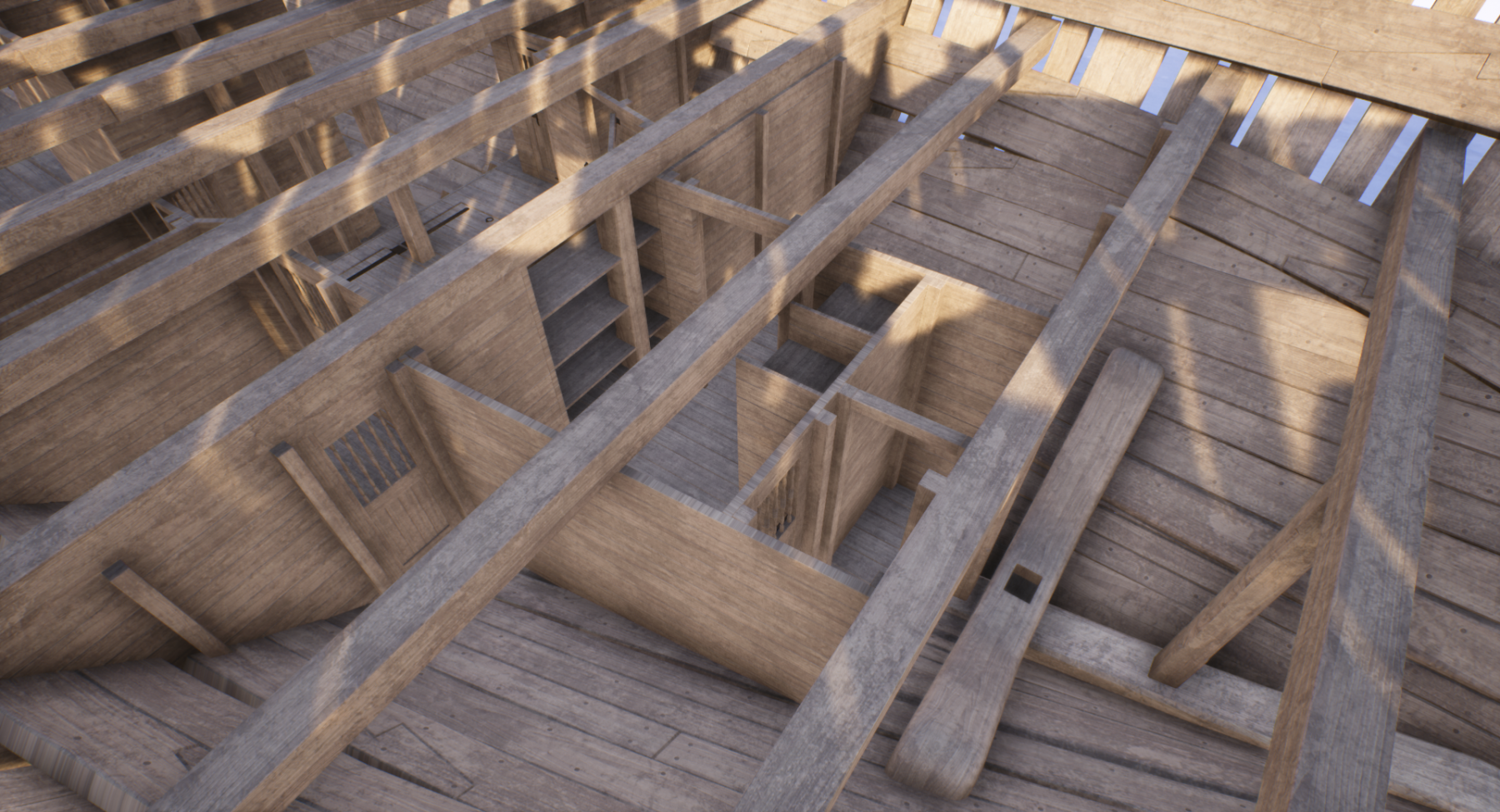
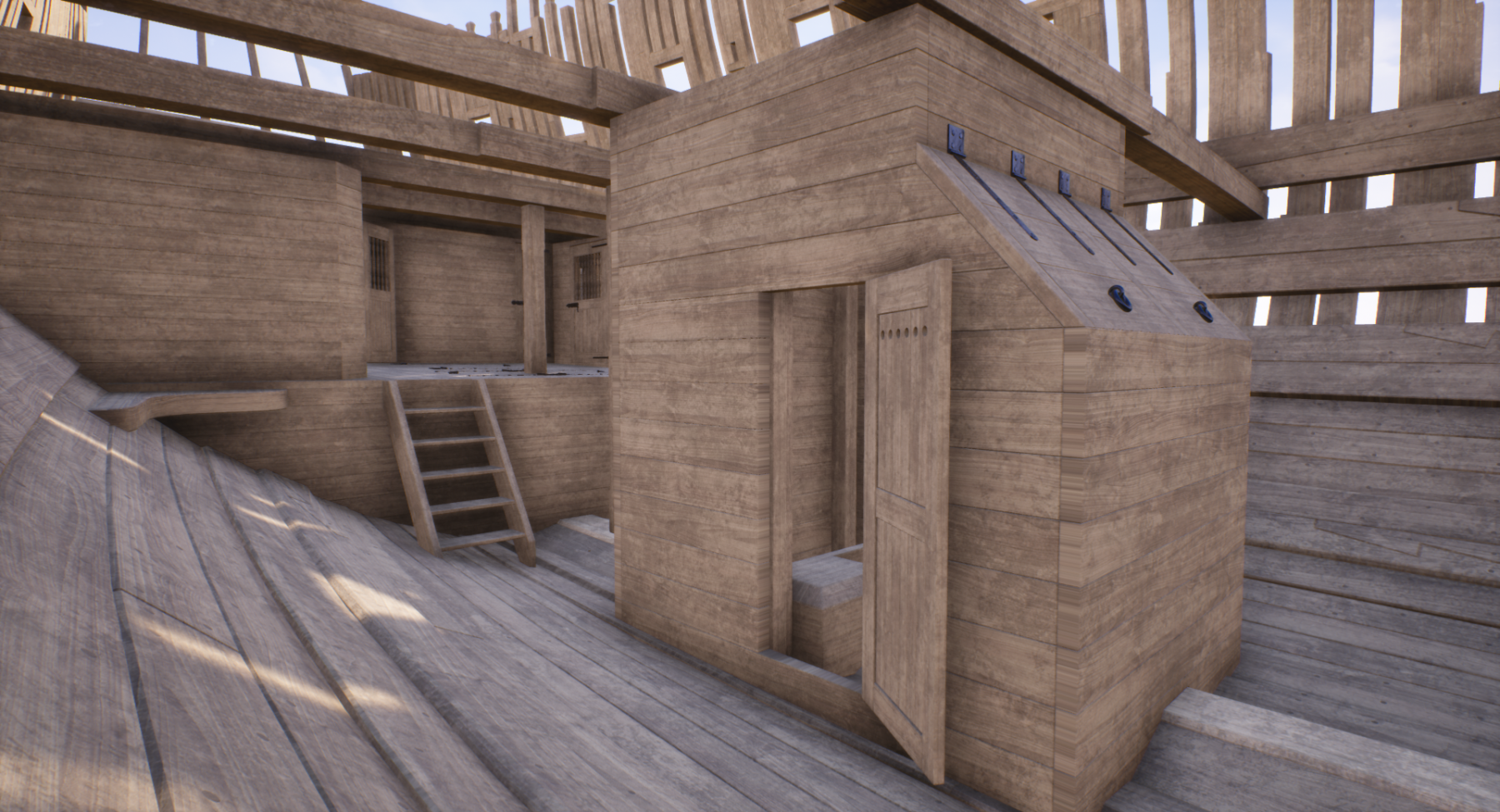
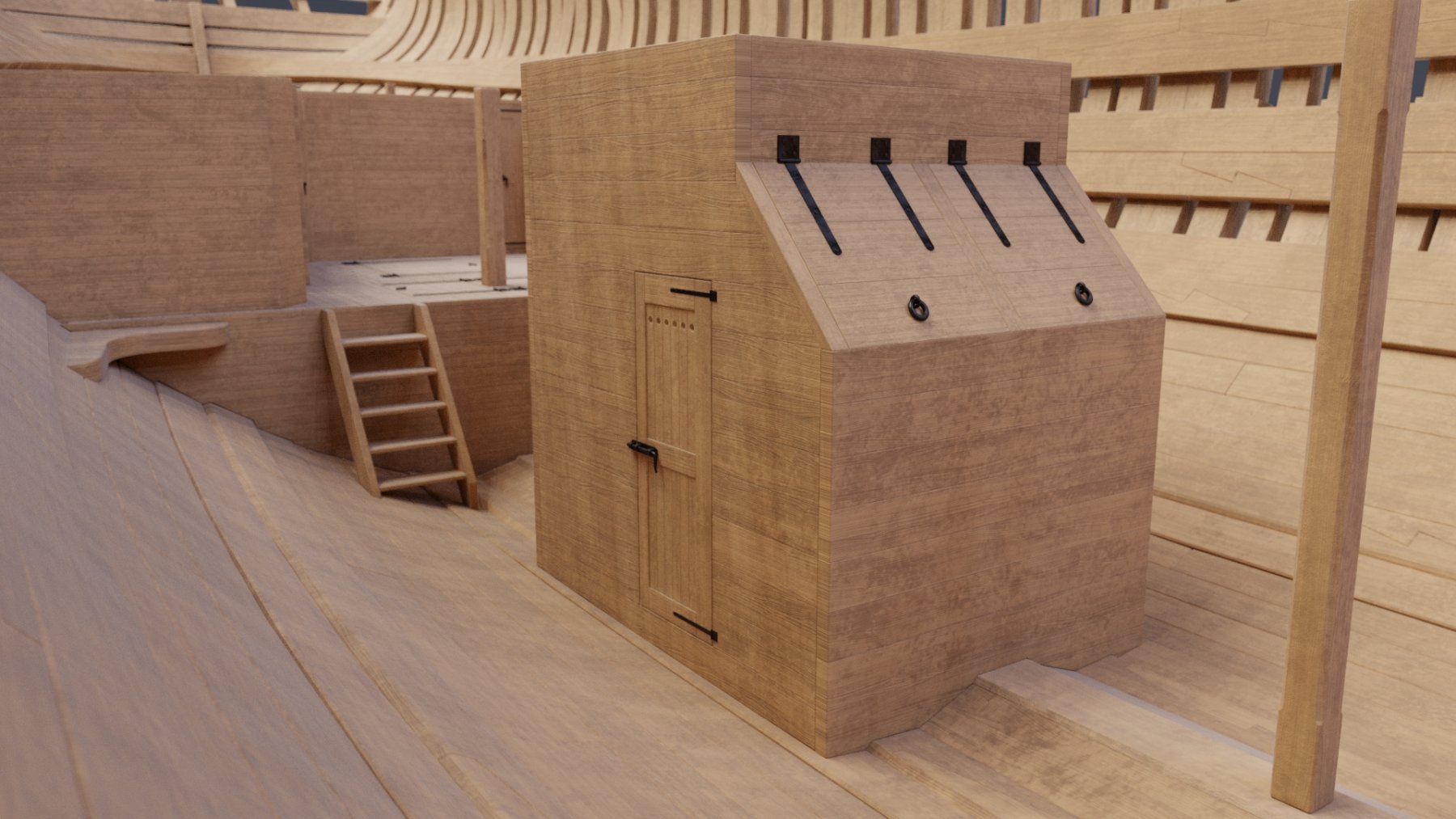
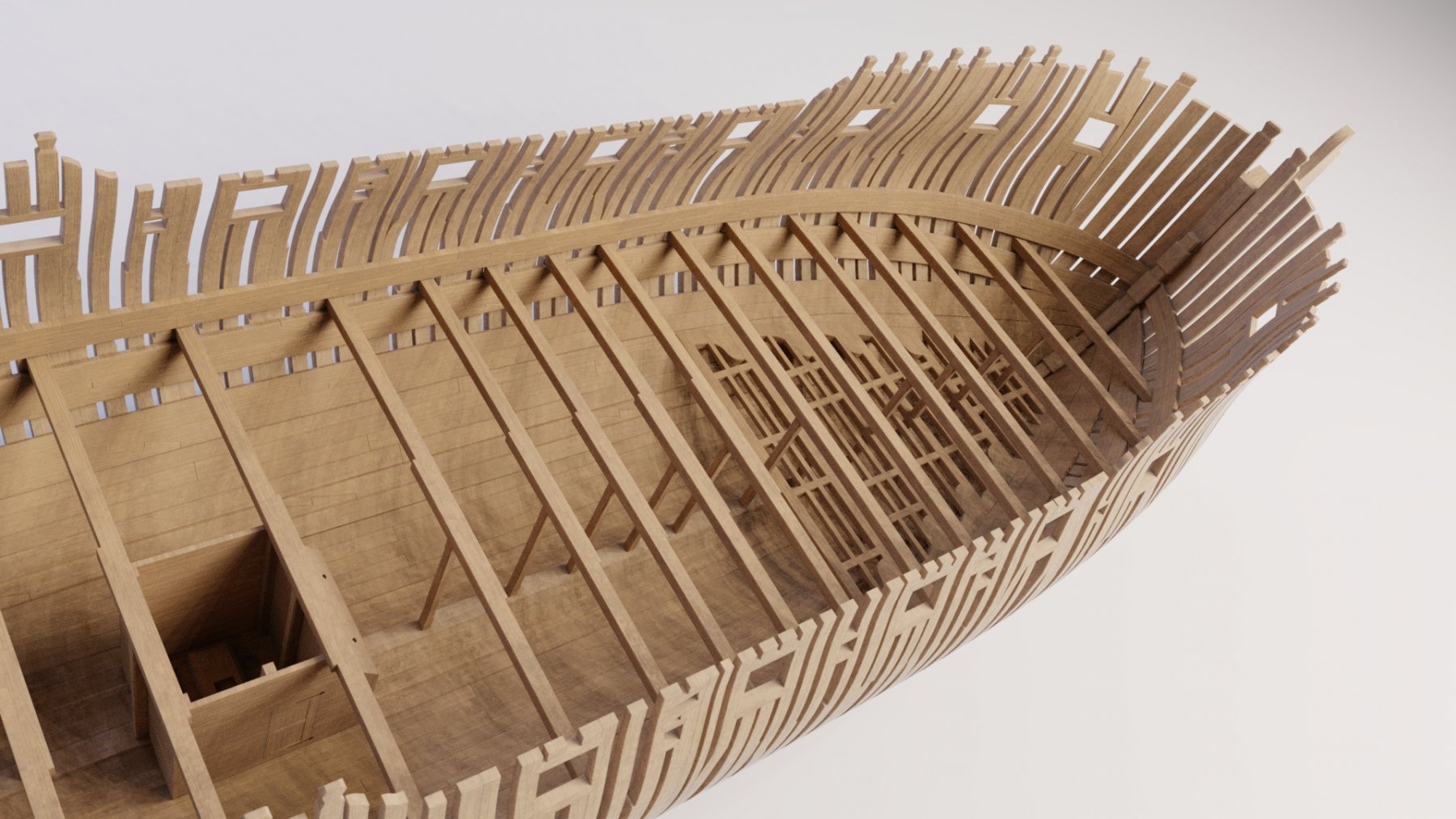
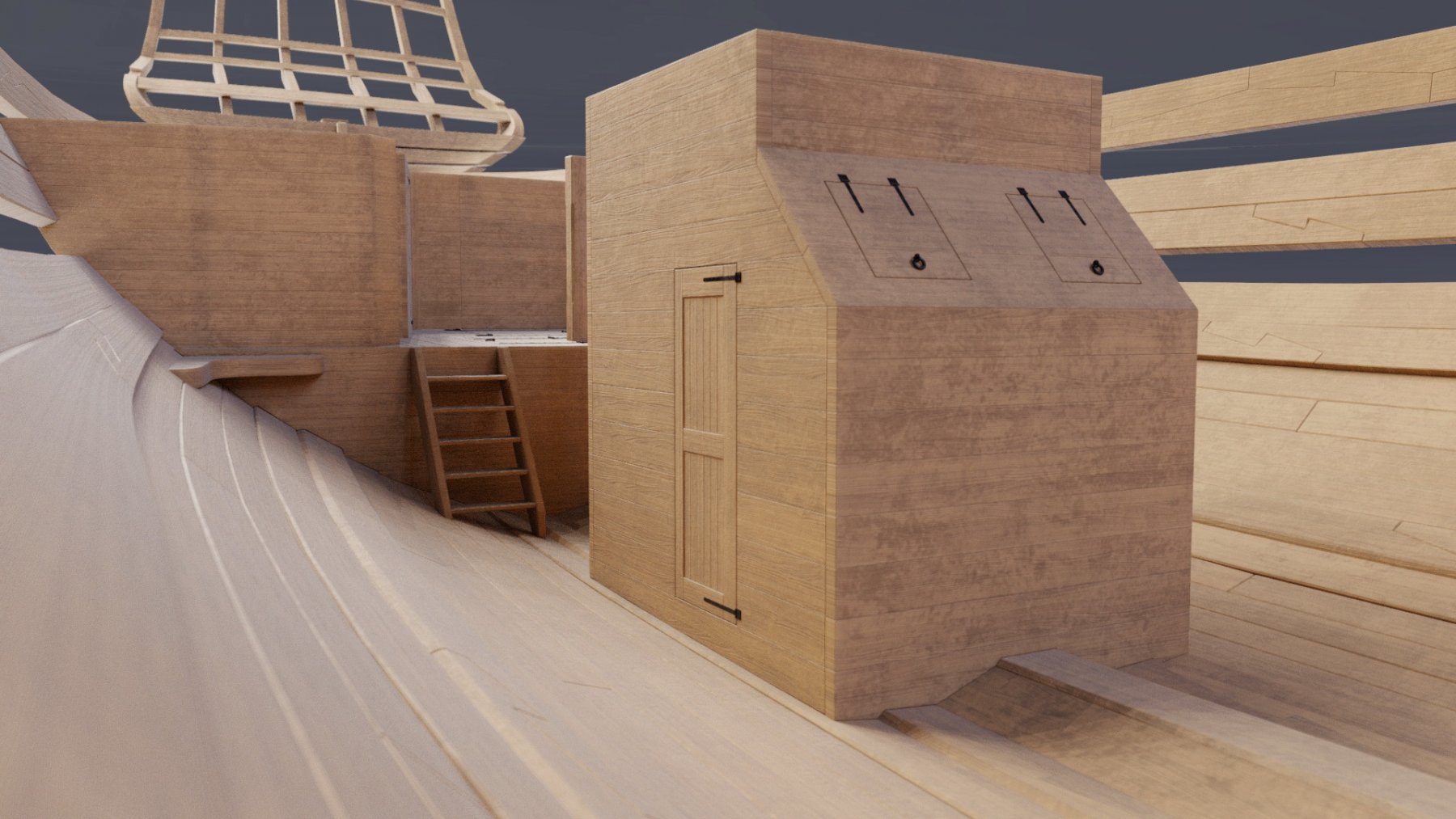
made some modifications as per druxey's suggestions. indeed, shot locker hatches look better this way. only, now they're bigger. now that I look at it, how did one open them and reach into it for canon balls? (if that's what shot locker stands for?). the hatches are now almost as big as regular doors. fore hold deck beams done as well. need to do those breasthooks (is it called that?) and fore mast step before planking... cheers! Denis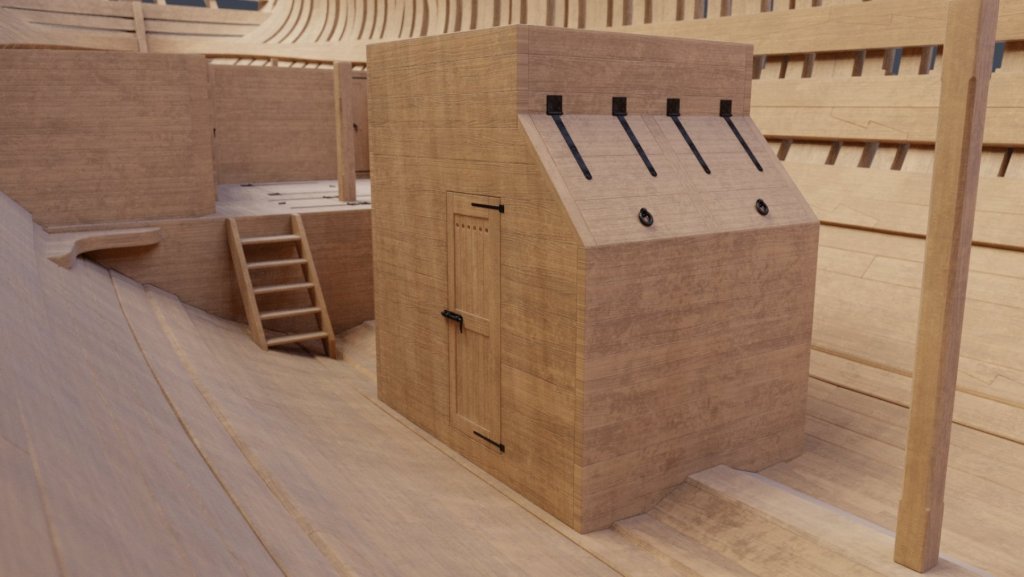
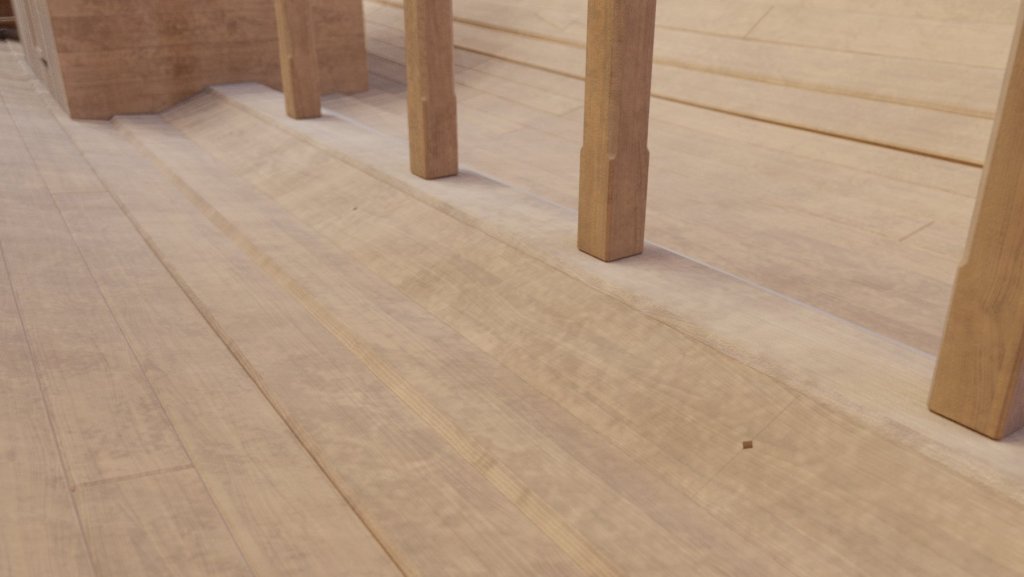
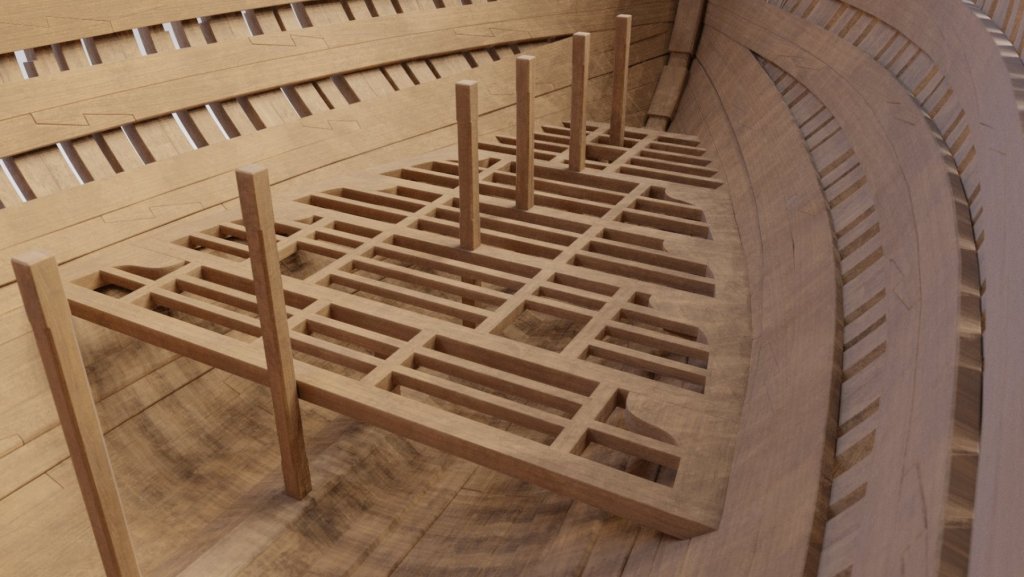
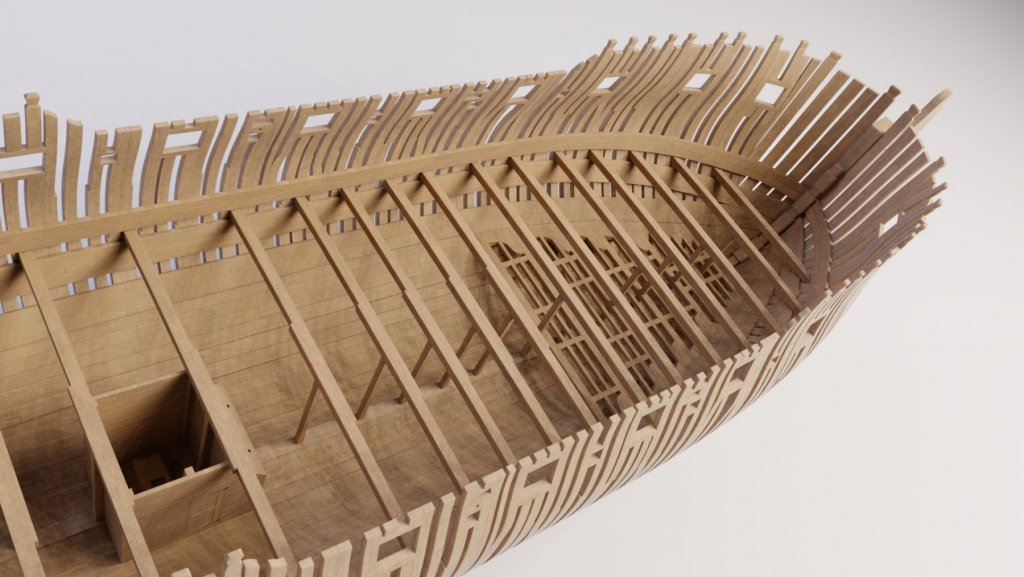
-
Yet Another Pandora 3D build
herask replied to herask's topic in CAD and 3D Modelling/Drafting Plans with Software
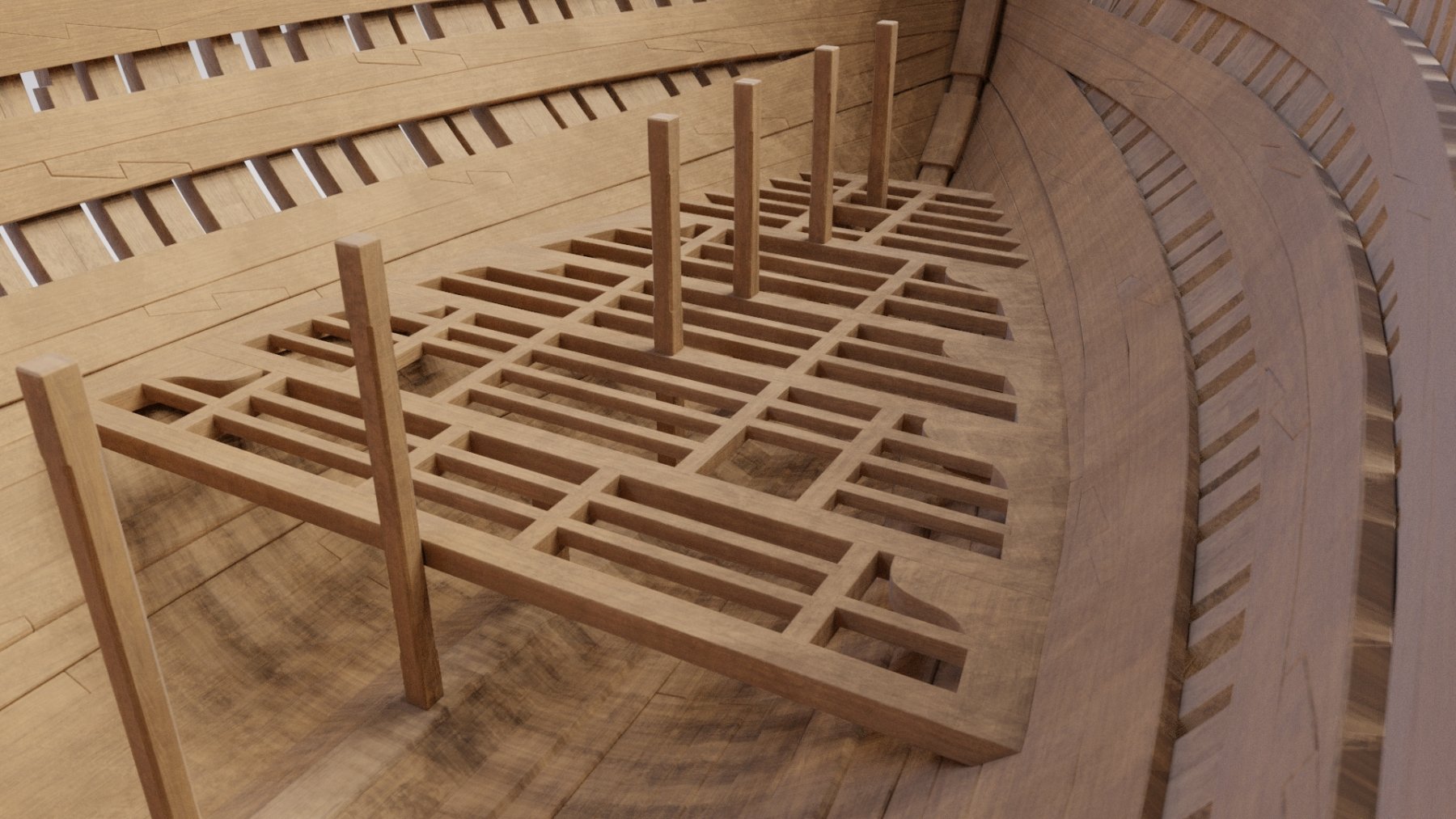
thank you, druxey. you're right, there's not much in plans indicating how the well looks like in detail. but omitting finger holes in limber boards, that's totally on me. I saw that in one of the build logs and forgot about it... will correct it. cheers! Denis -
Yet Another Pandora 3D build
herask replied to herask's topic in CAD and 3D Modelling/Drafting Plans with Software
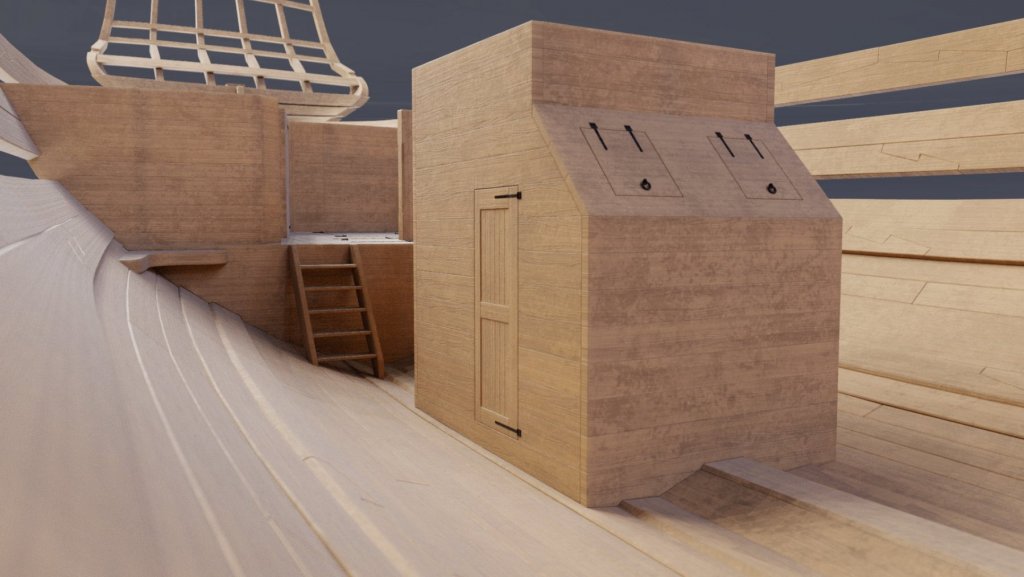
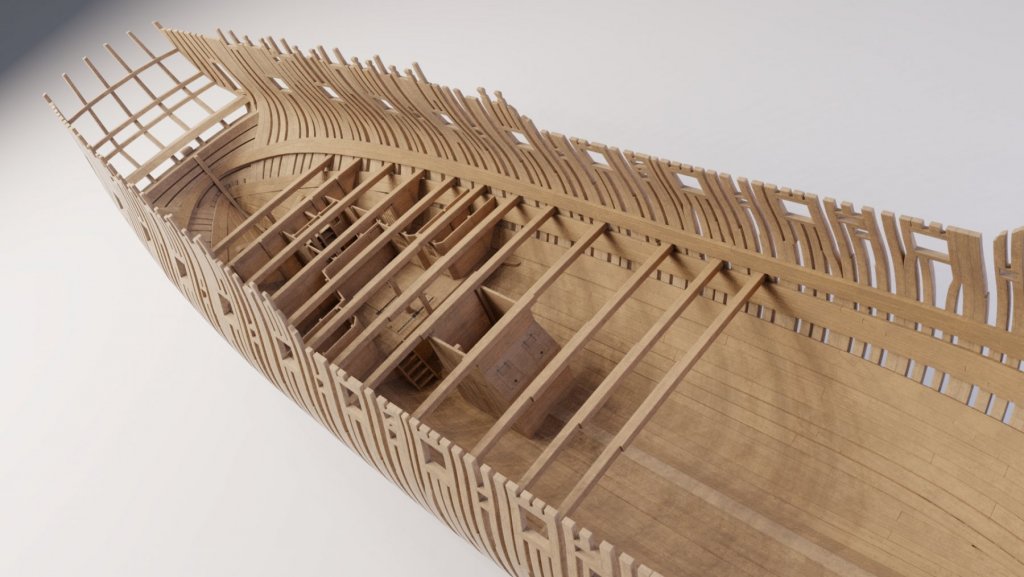
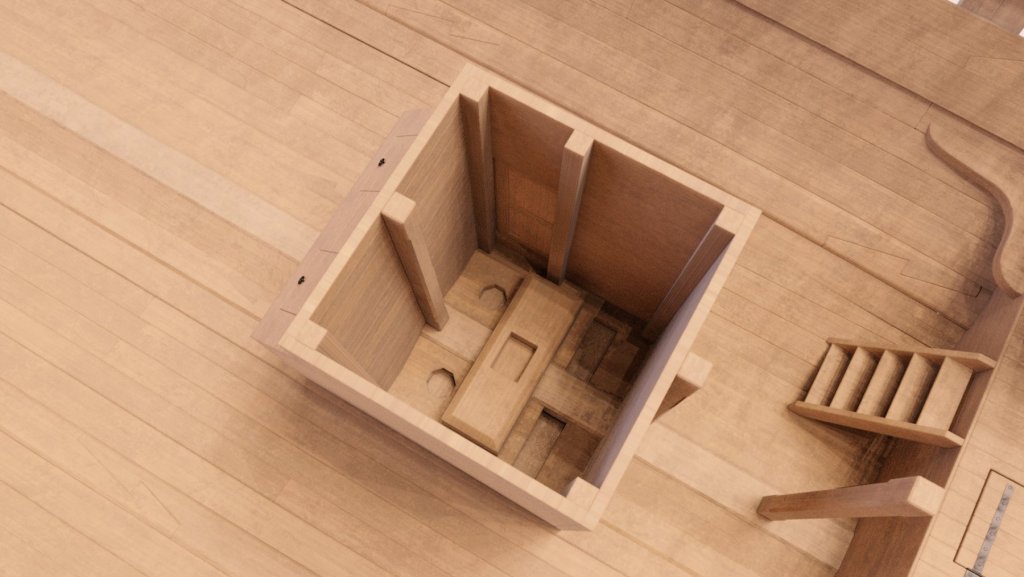
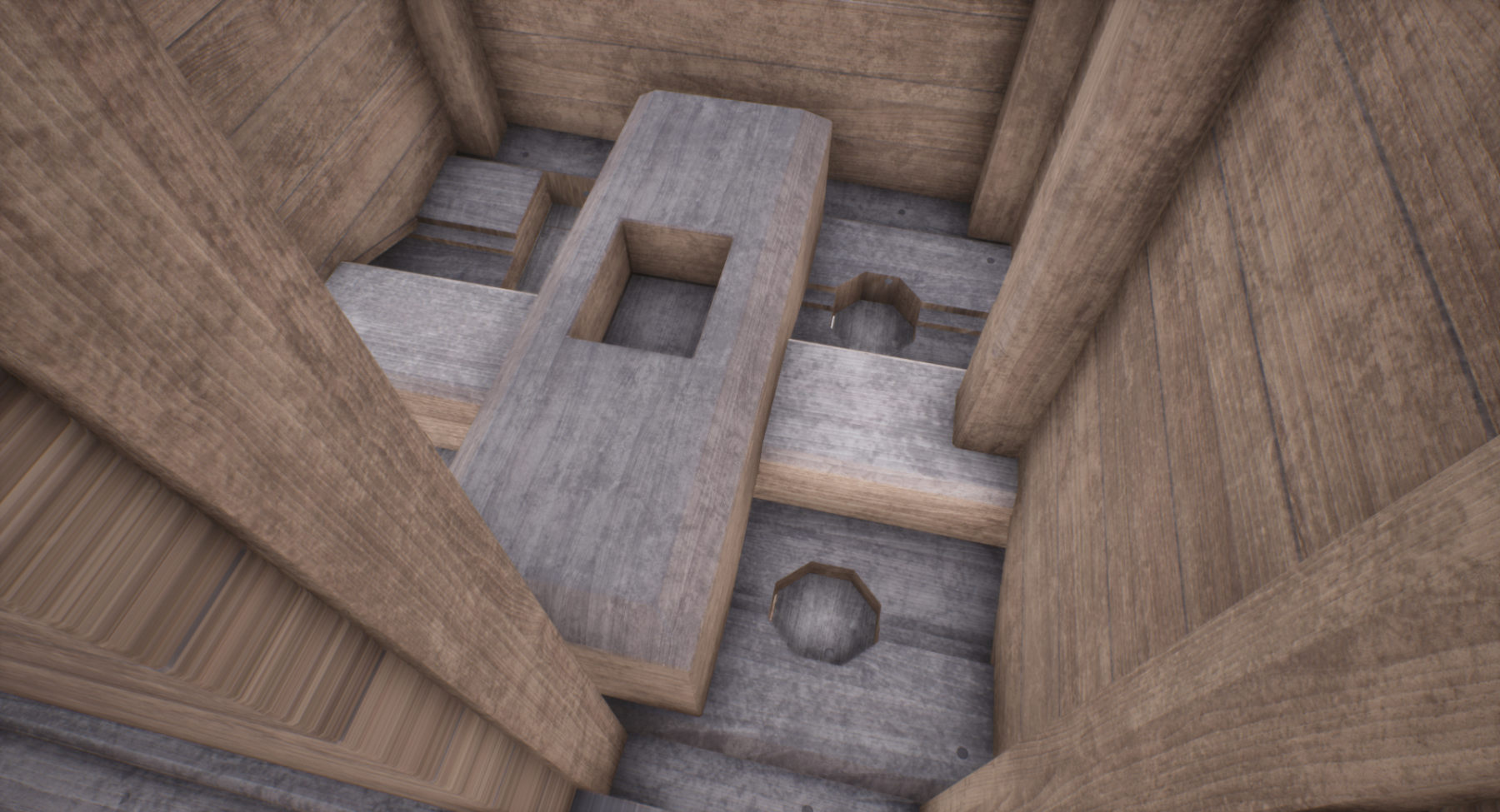
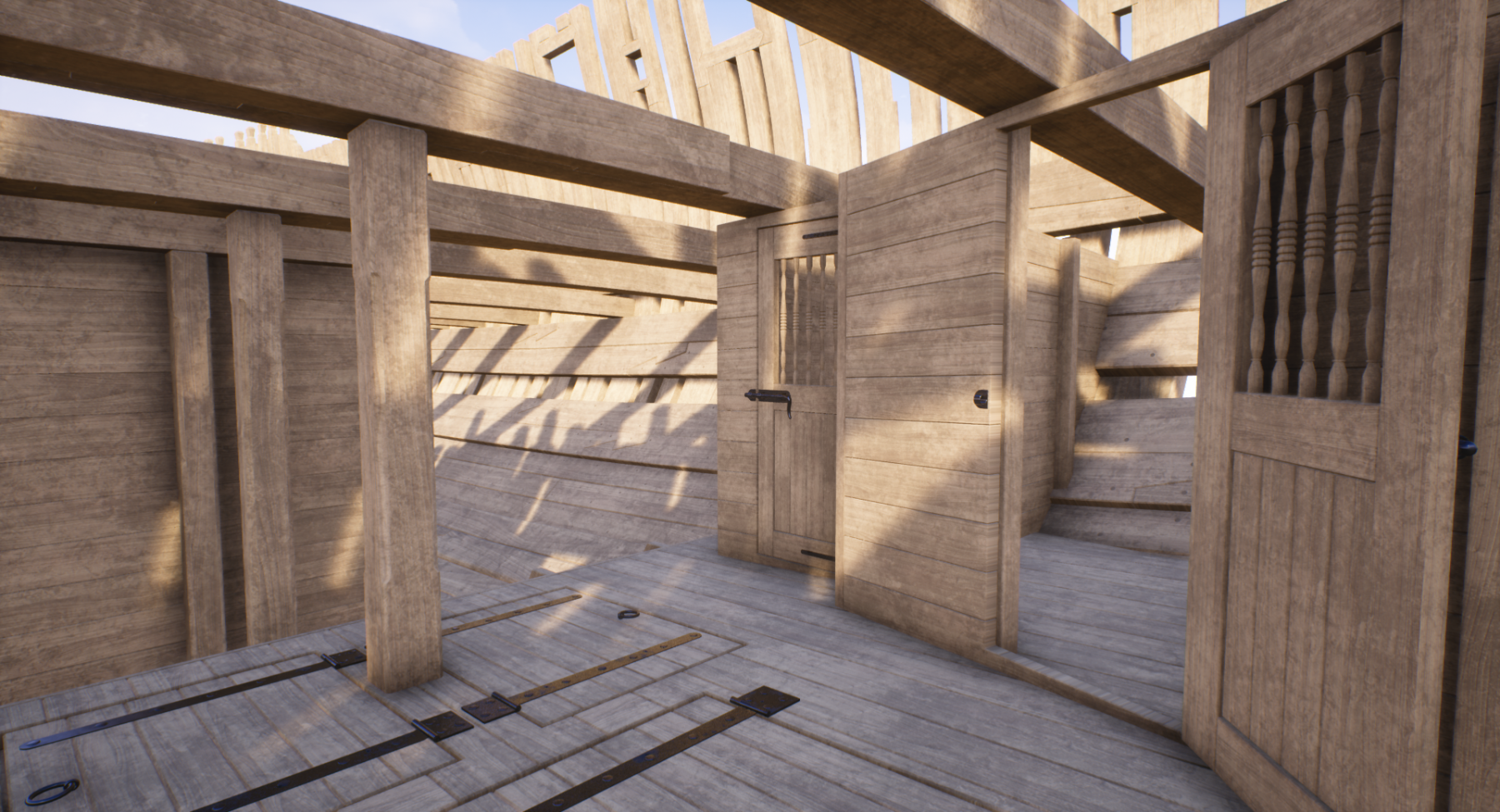
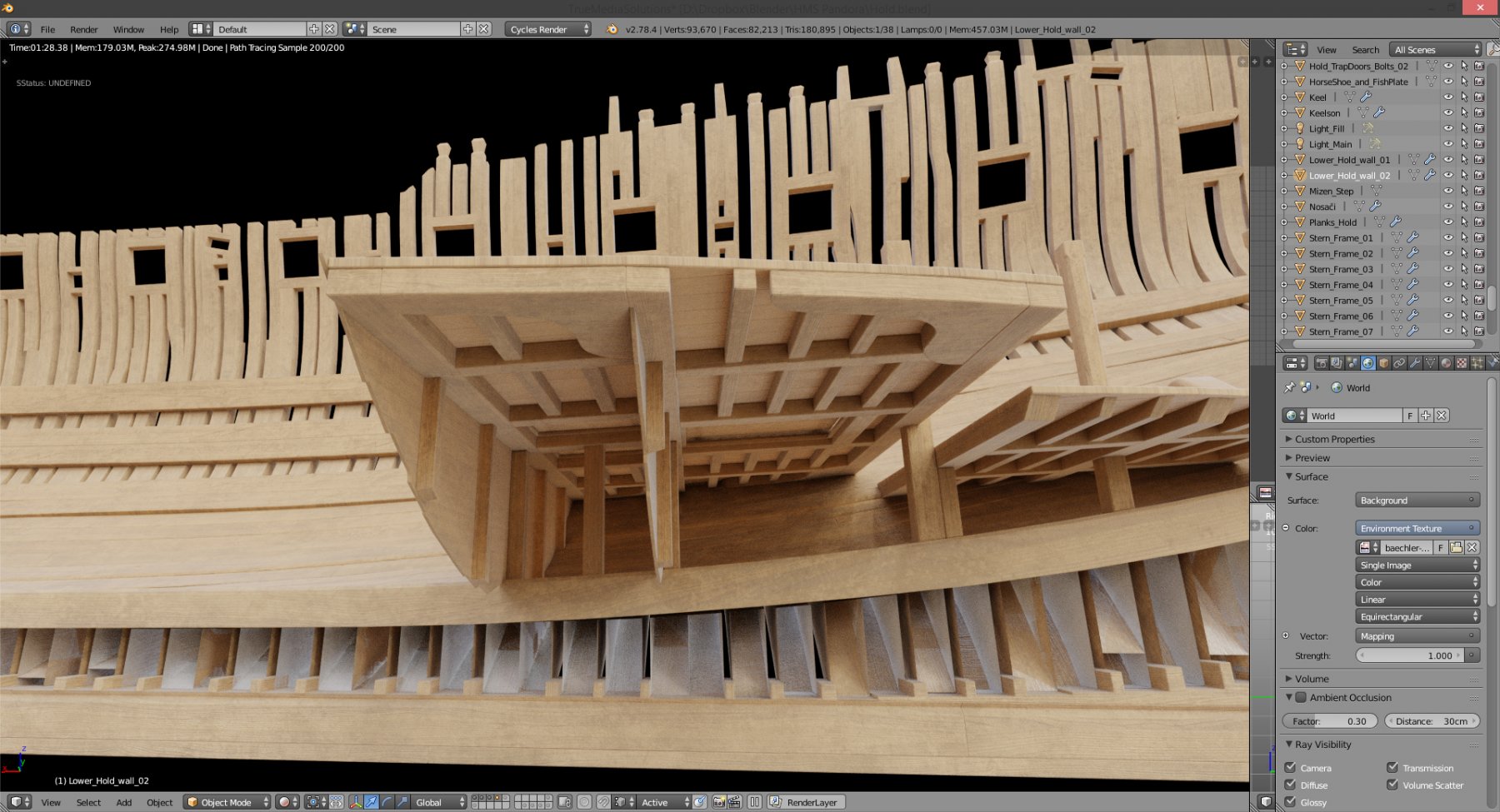
more progress. well with pump holes, some pillars, some lower deck beams for determining hold walls height, main mast and mizen mast steps.... now I saw that I need bolts on doors, duh! also, need to do lantern in magazine, and then I can go onto fore hold deck... feel free to point out any mistakes/omissions you see. cheers! Denis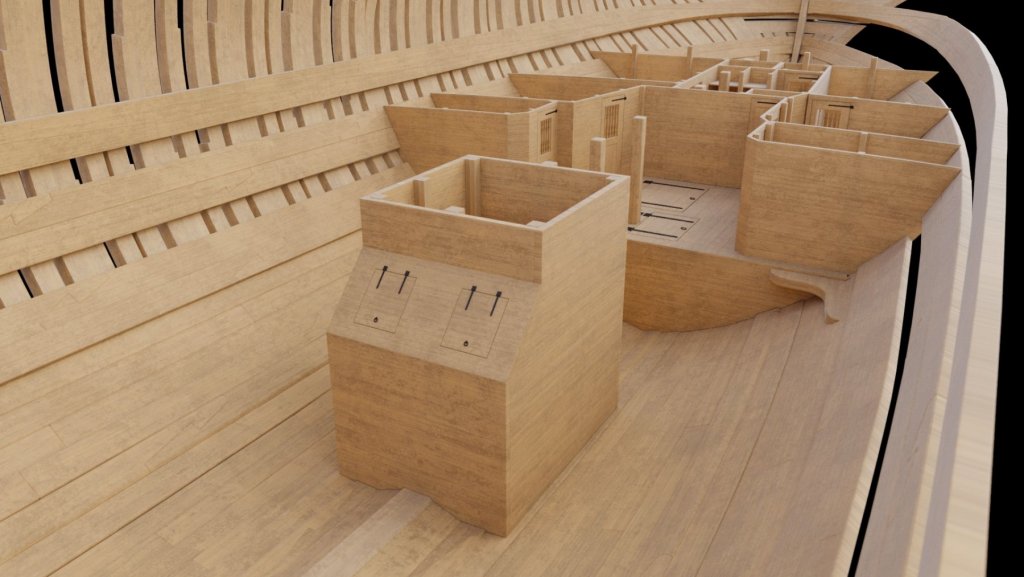
-
Yet Another Pandora 3D build
herask replied to herask's topic in CAD and 3D Modelling/Drafting Plans with Software
for now blender hasn't got substance plug-in, but I got shader setup which works just fine with Substance Painter output textures. I love that piece of software... -
Yet Another Pandora 3D build
herask replied to herask's topic in CAD and 3D Modelling/Drafting Plans with Software
vossiewolf, thank you for stopping by. right now the scene counts around 600.000 vertices. I didn't plan on being very careful with polycount. in fact, I'll be happy if this thing stays under 15 million polygons. I'm not making a game ready model, but instead trying to see how far I can push this thing. optimization was never on my agenda. that said, I'm not a complete lunatic after all :-D, I'm using modifiers to help save the memory (Blender reports around 450mb right now) with that in mind, I can't really use custom textures. for so many different objects there would be tens of them and memory consumption would again go up. I think I'll stick with materials, and material instances. right now now I'm using just 4 textures and I can change color, roughness value and tiling to simulate another wood or metal material. -
Yet Another Pandora 3D build
herask replied to herask's topic in CAD and 3D Modelling/Drafting Plans with Software
thank you guys! Gaetan, I really like the views from the "eye-point" as well. it's something we can't do with scale models. there'll be more of those, for sure. Pat, I don't know yet how I'll do the lighting, especially toward the end. it might happen that the model becomes too heavy for computer to handle the walkthrough. we'll see, I have still a long way to go.... -
Yet Another Pandora 3D build
herask replied to herask's topic in CAD and 3D Modelling/Drafting Plans with Software
thank you Don. the second set is made using different render program, that's why it looks a bit different. I plan on making the whole ship walk-able, like a virtual tour or something. no concrete plan yet... -
Yet Another Pandora 3D build
herask replied to herask's topic in CAD and 3D Modelling/Drafting Plans with Software
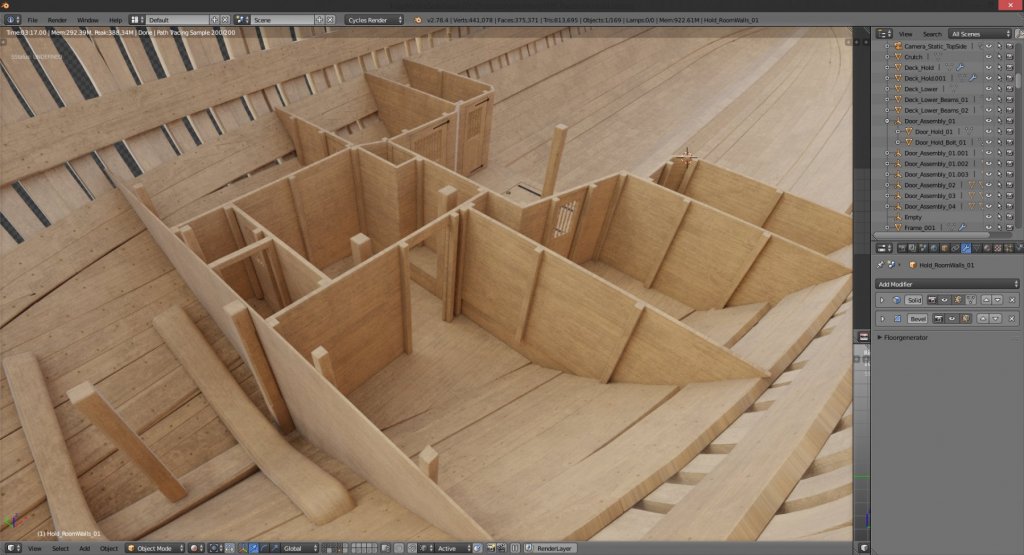
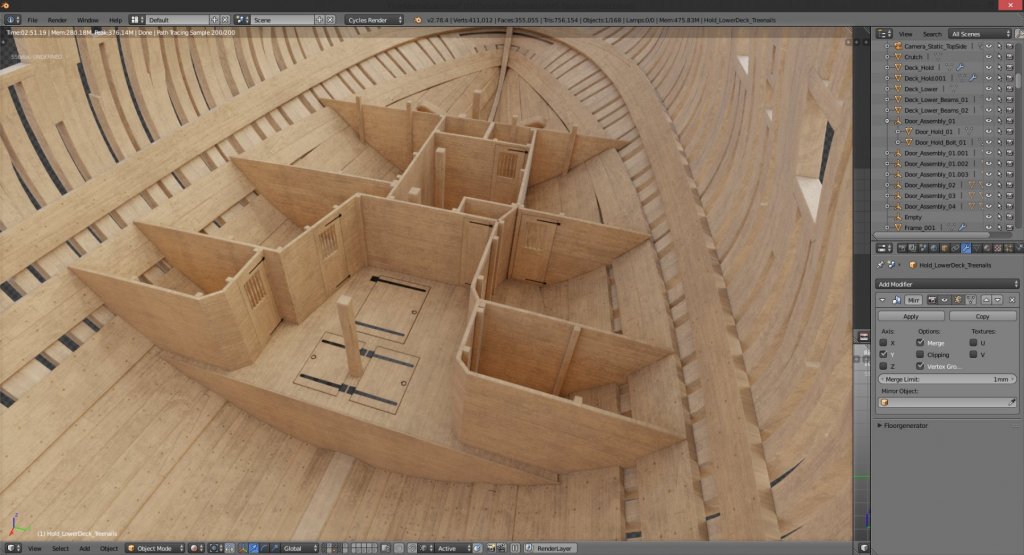
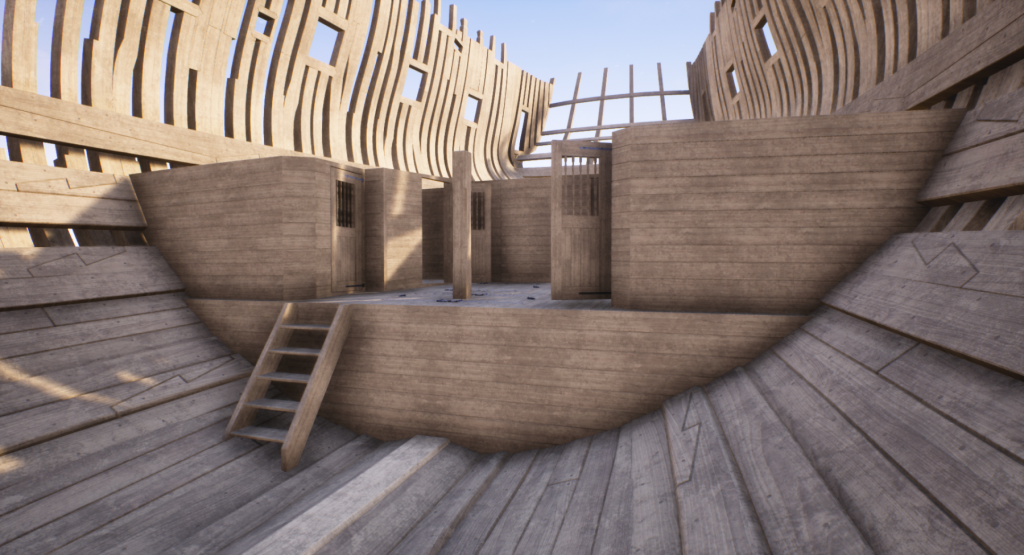
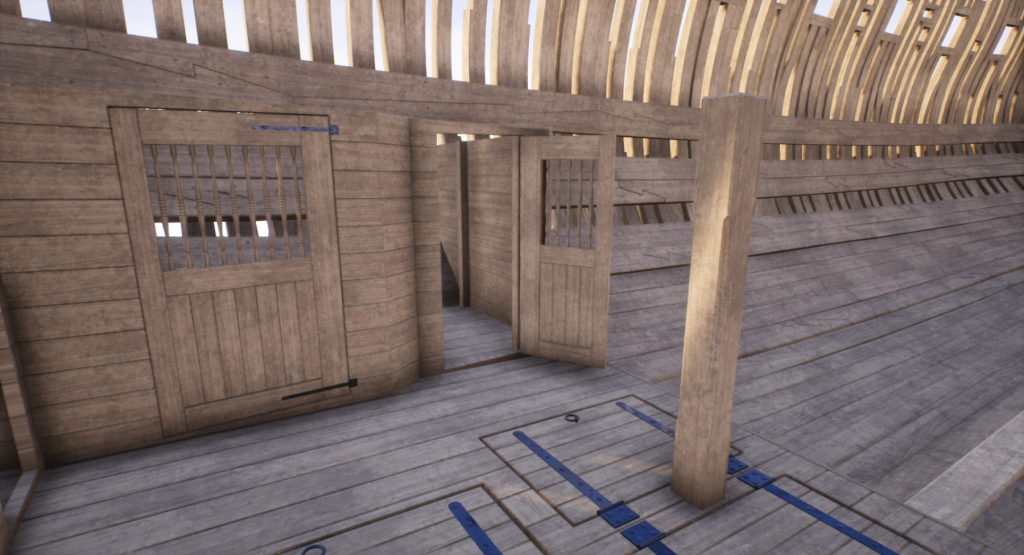
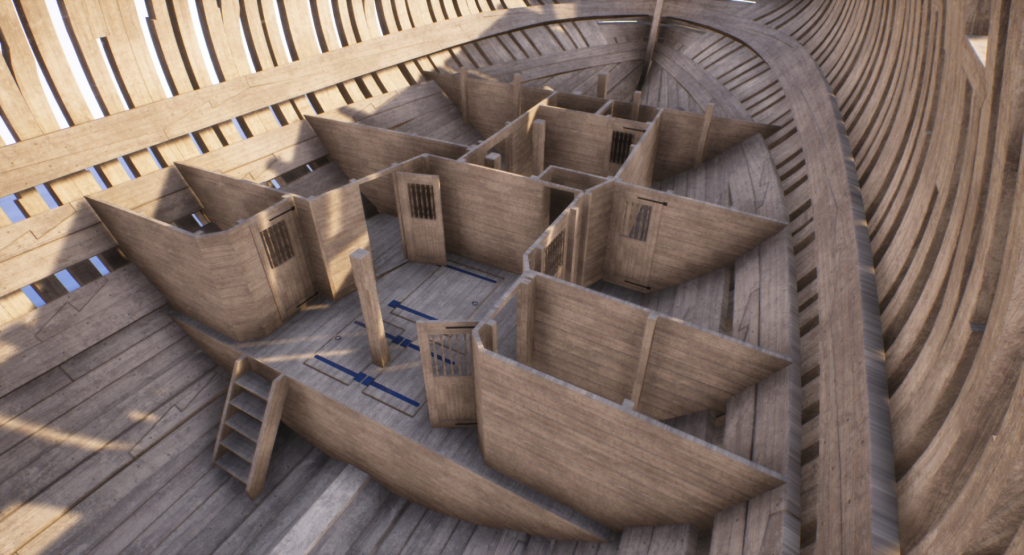
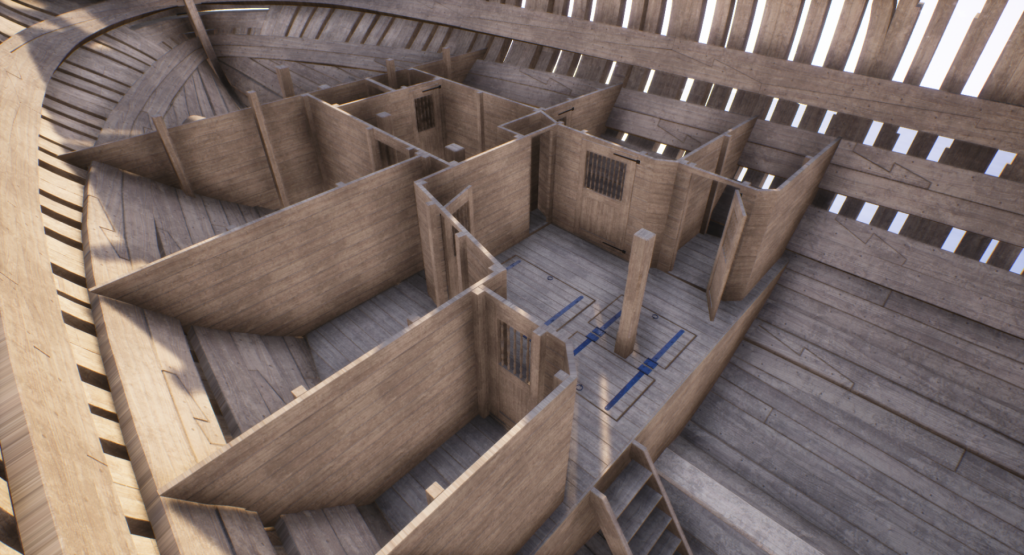
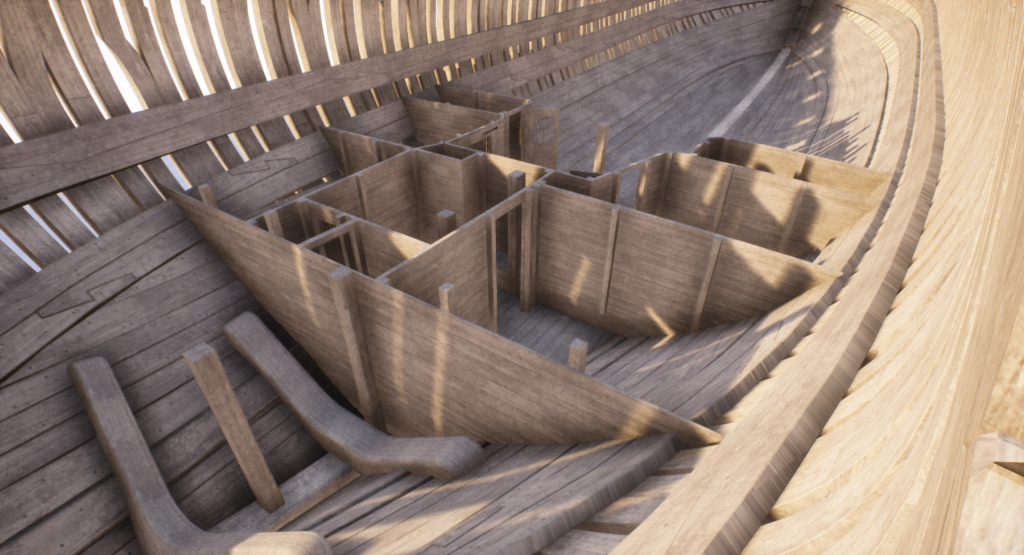
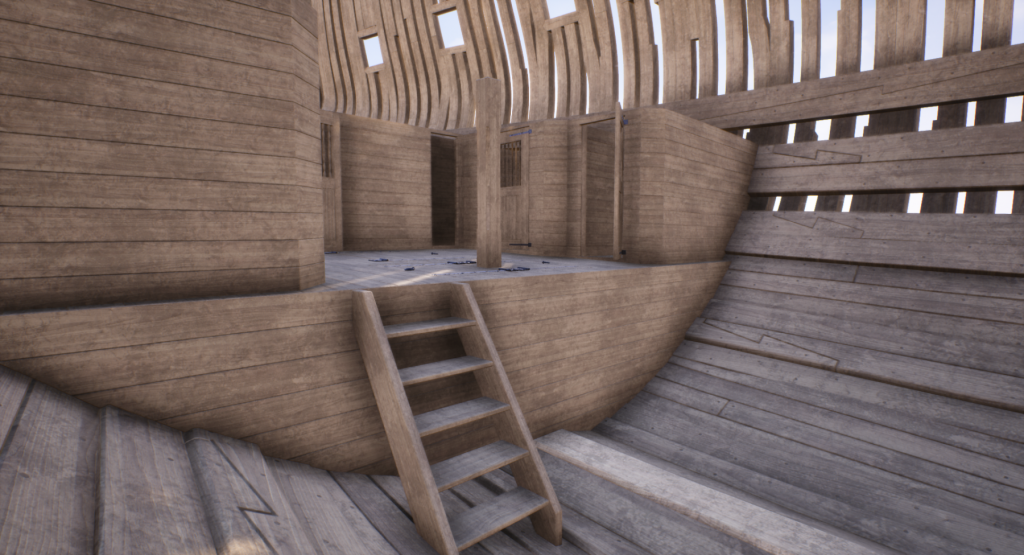
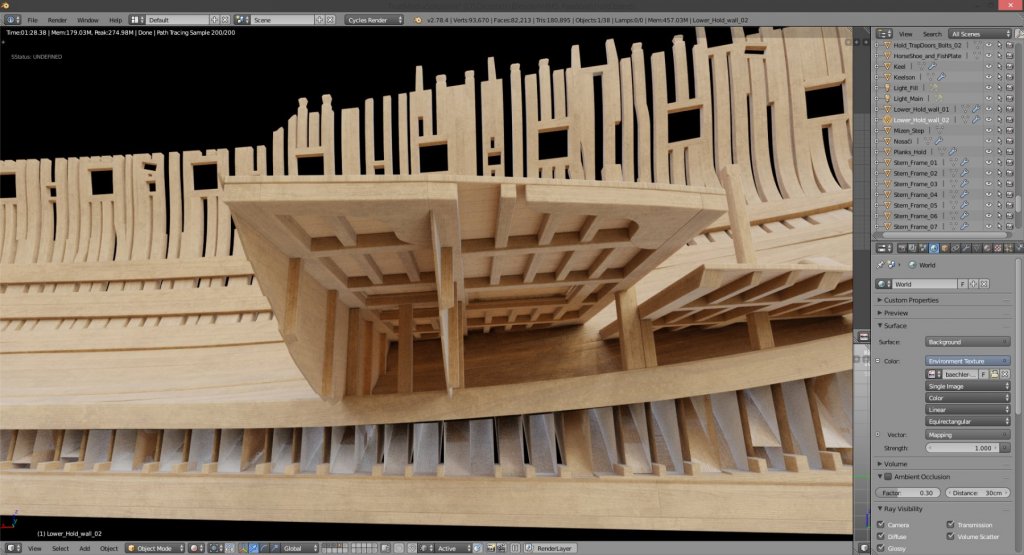
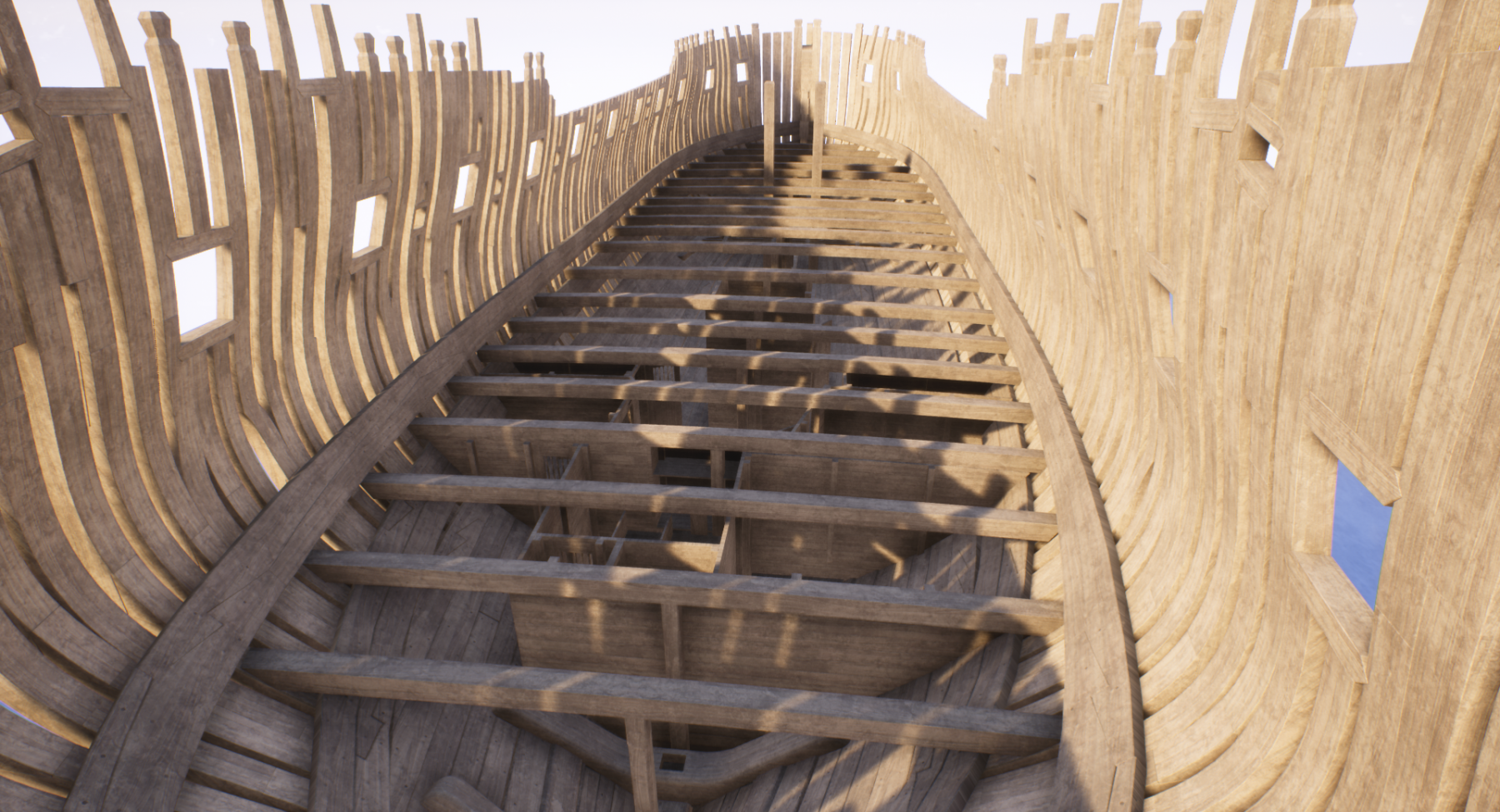
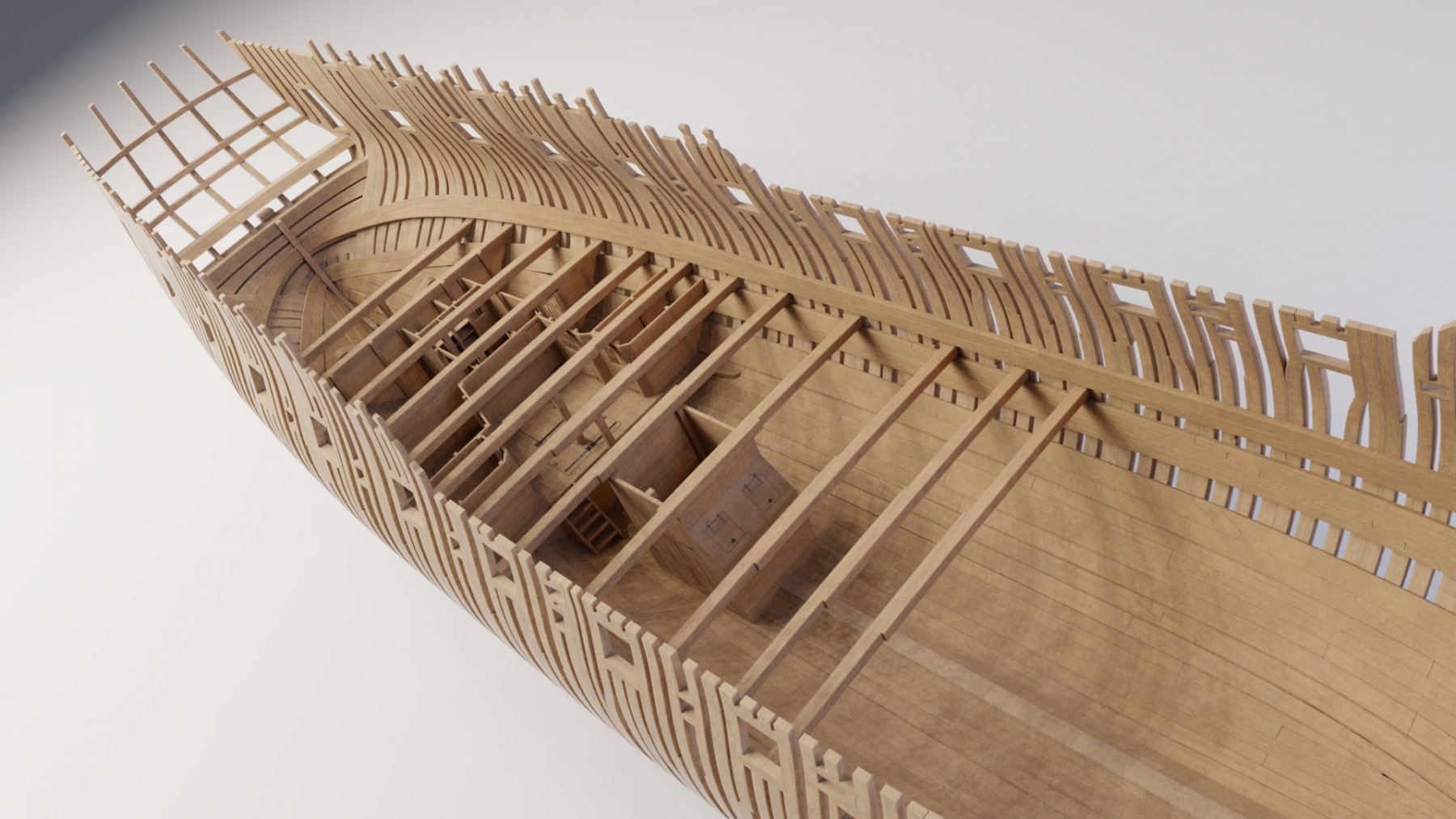
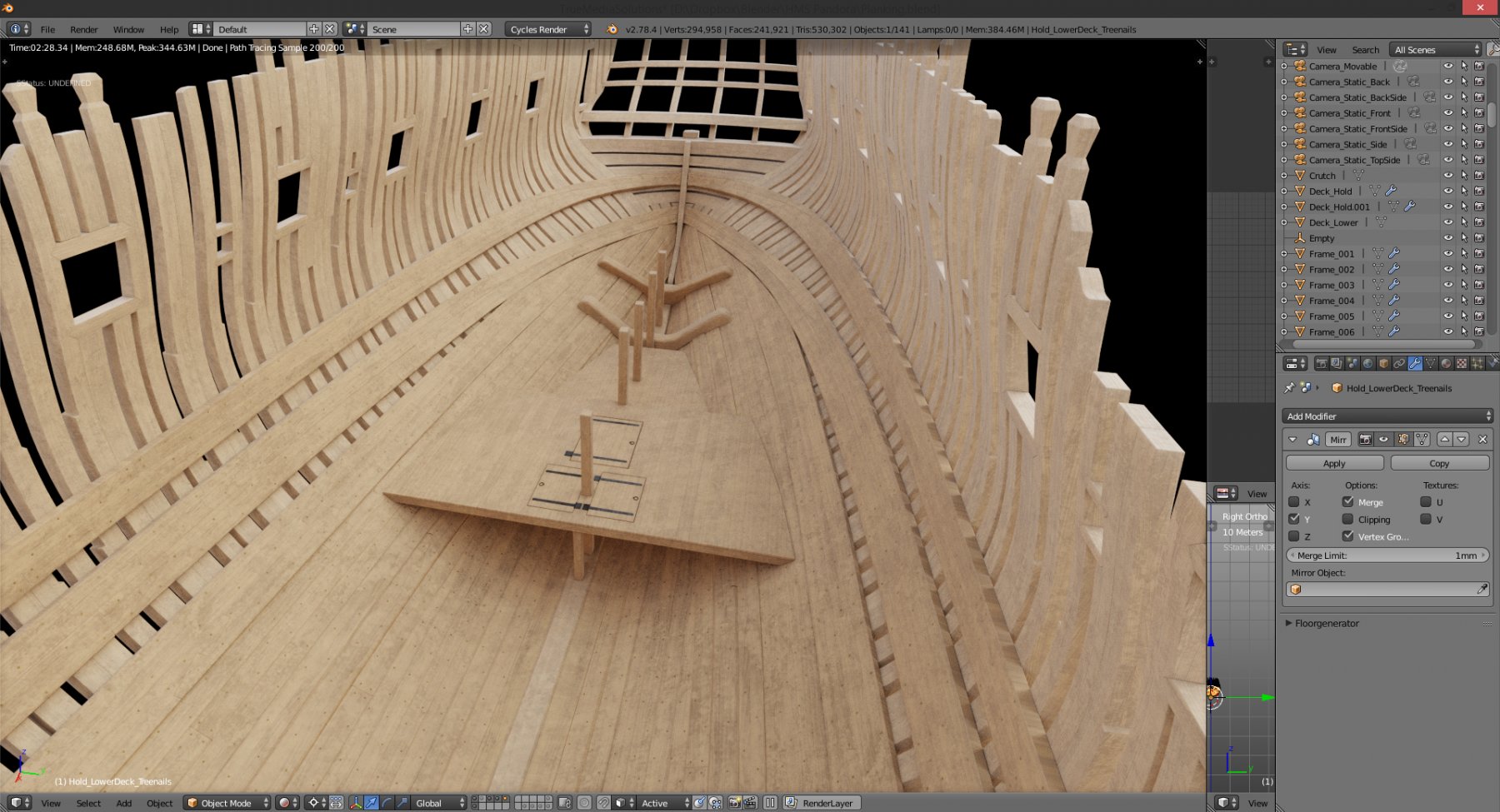
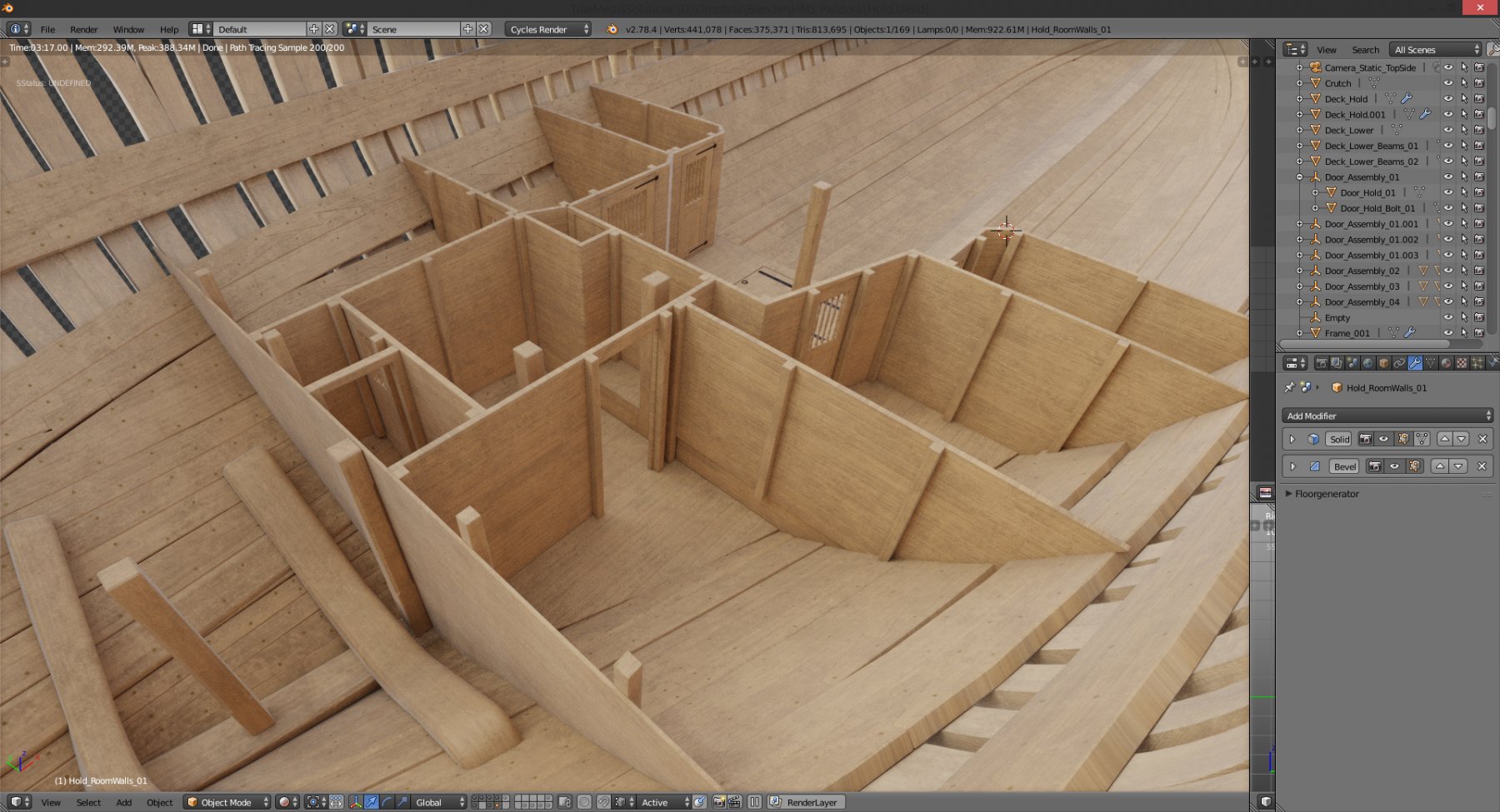
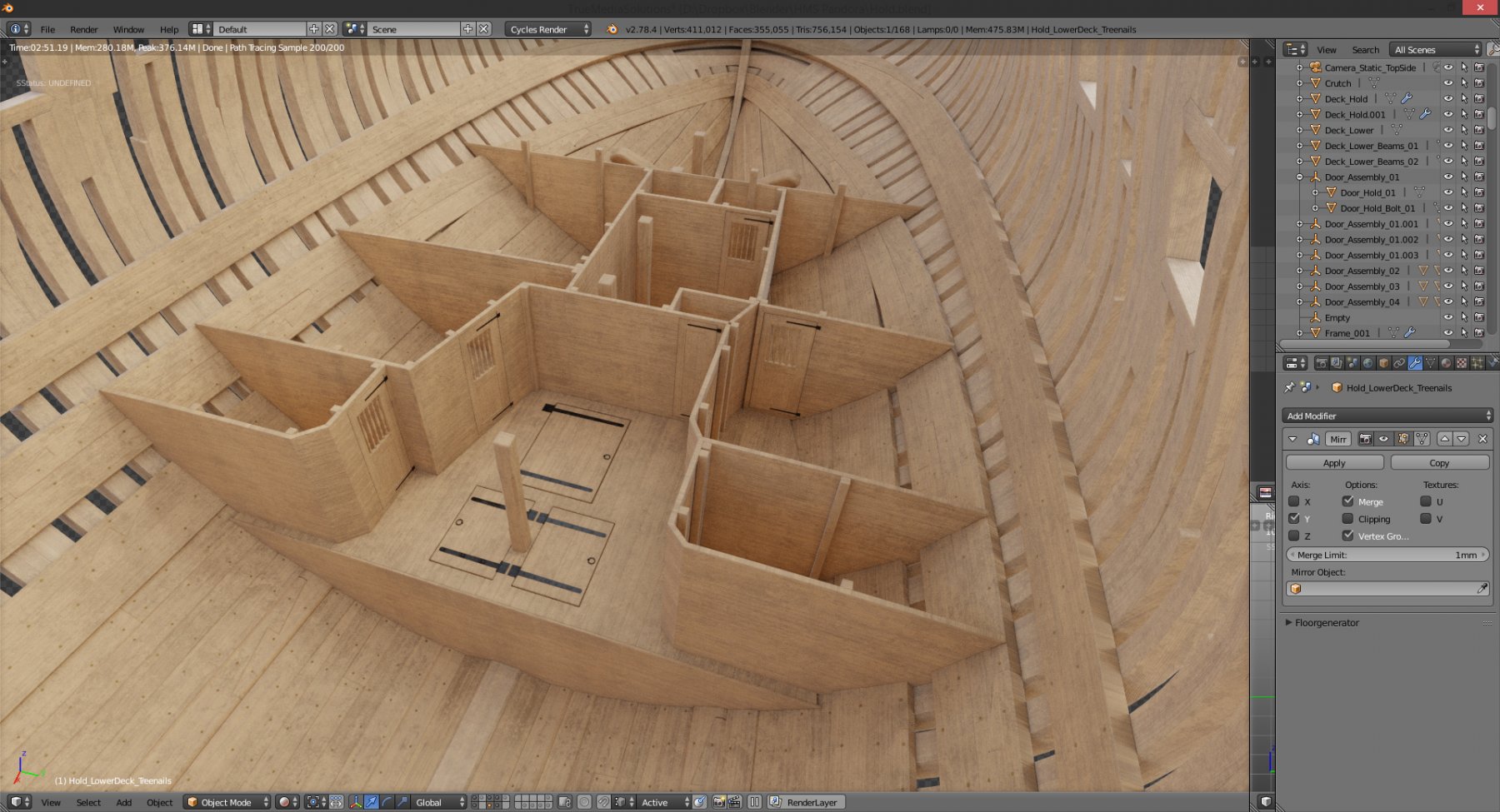
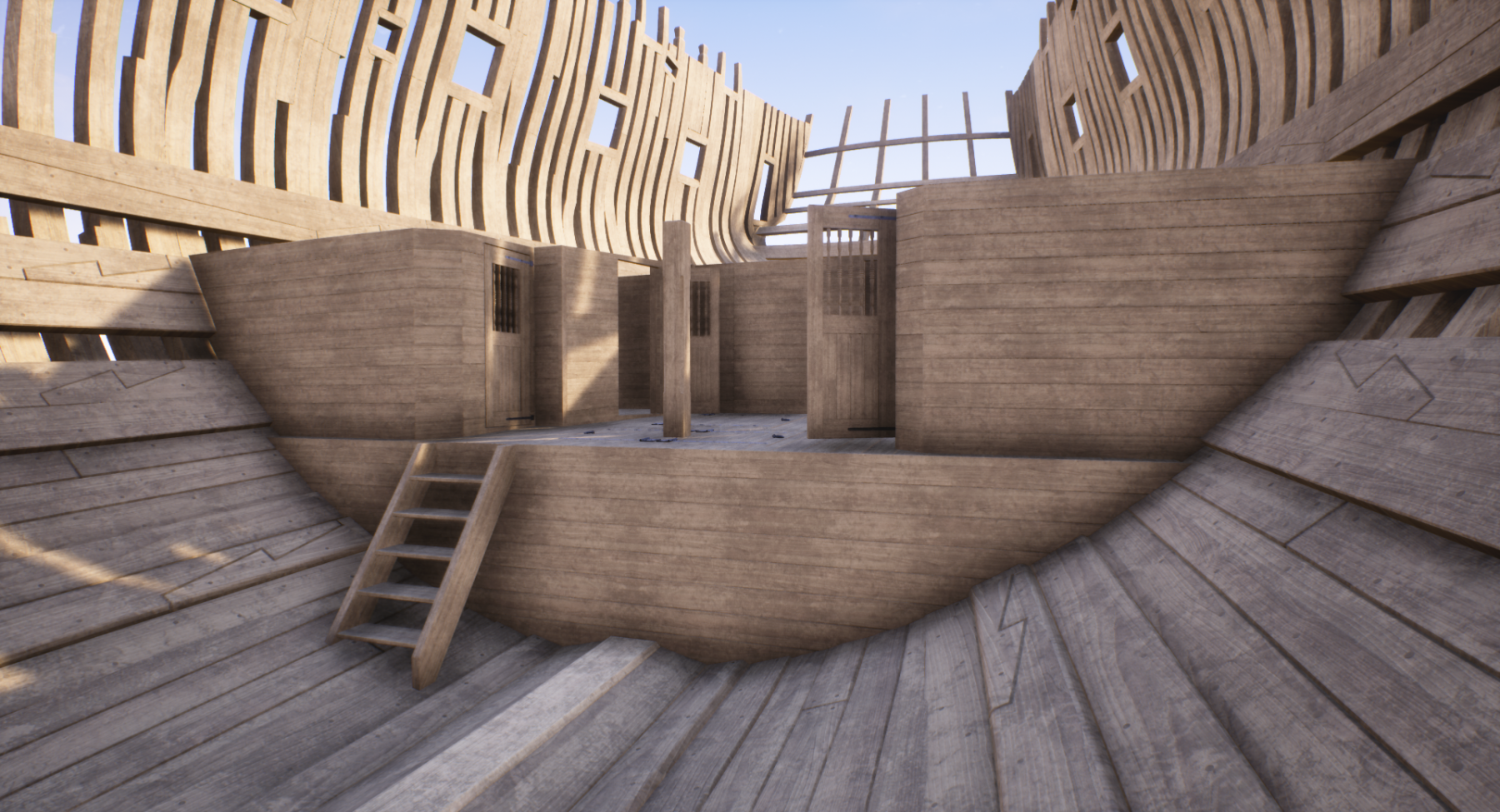
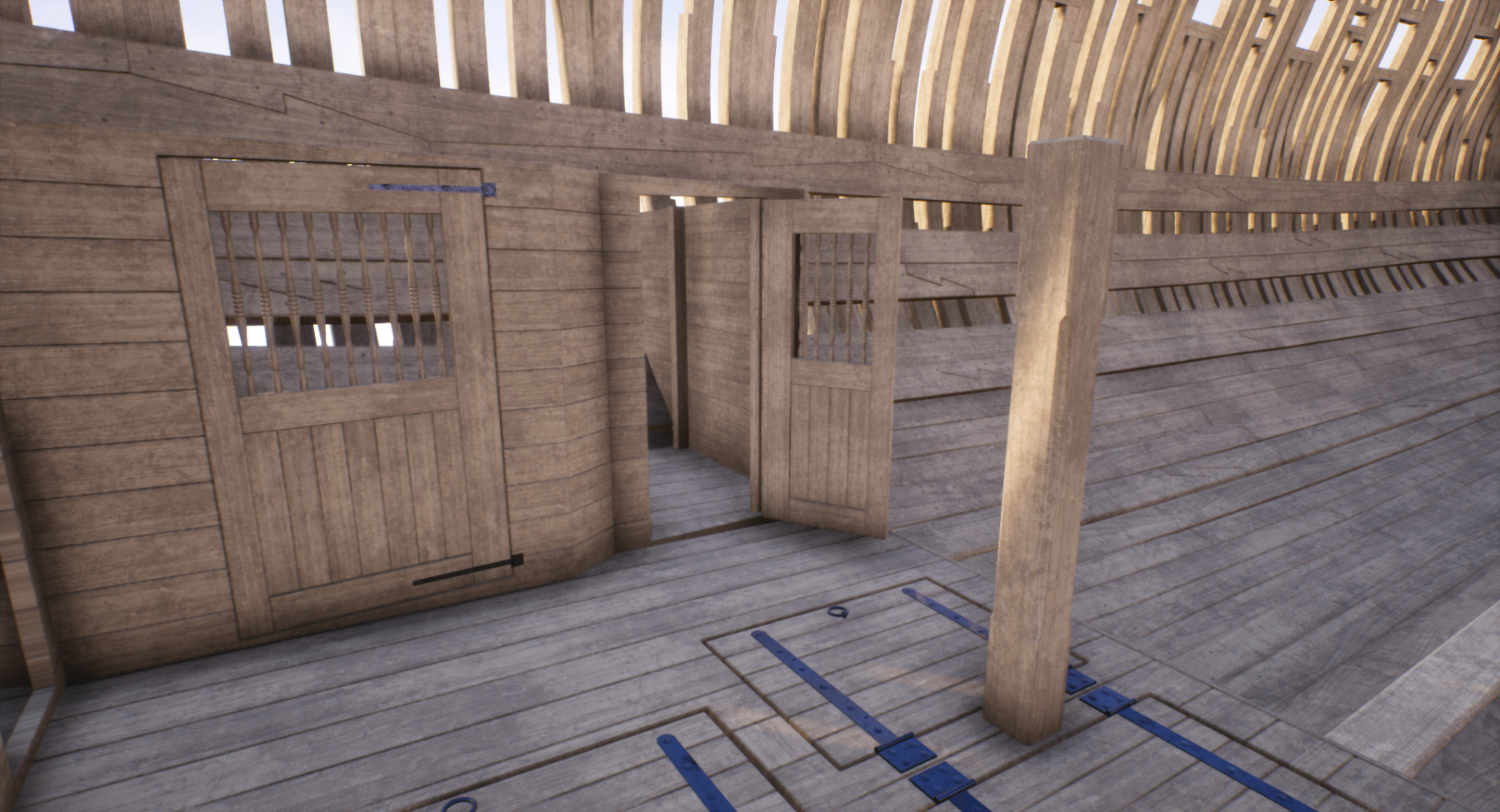
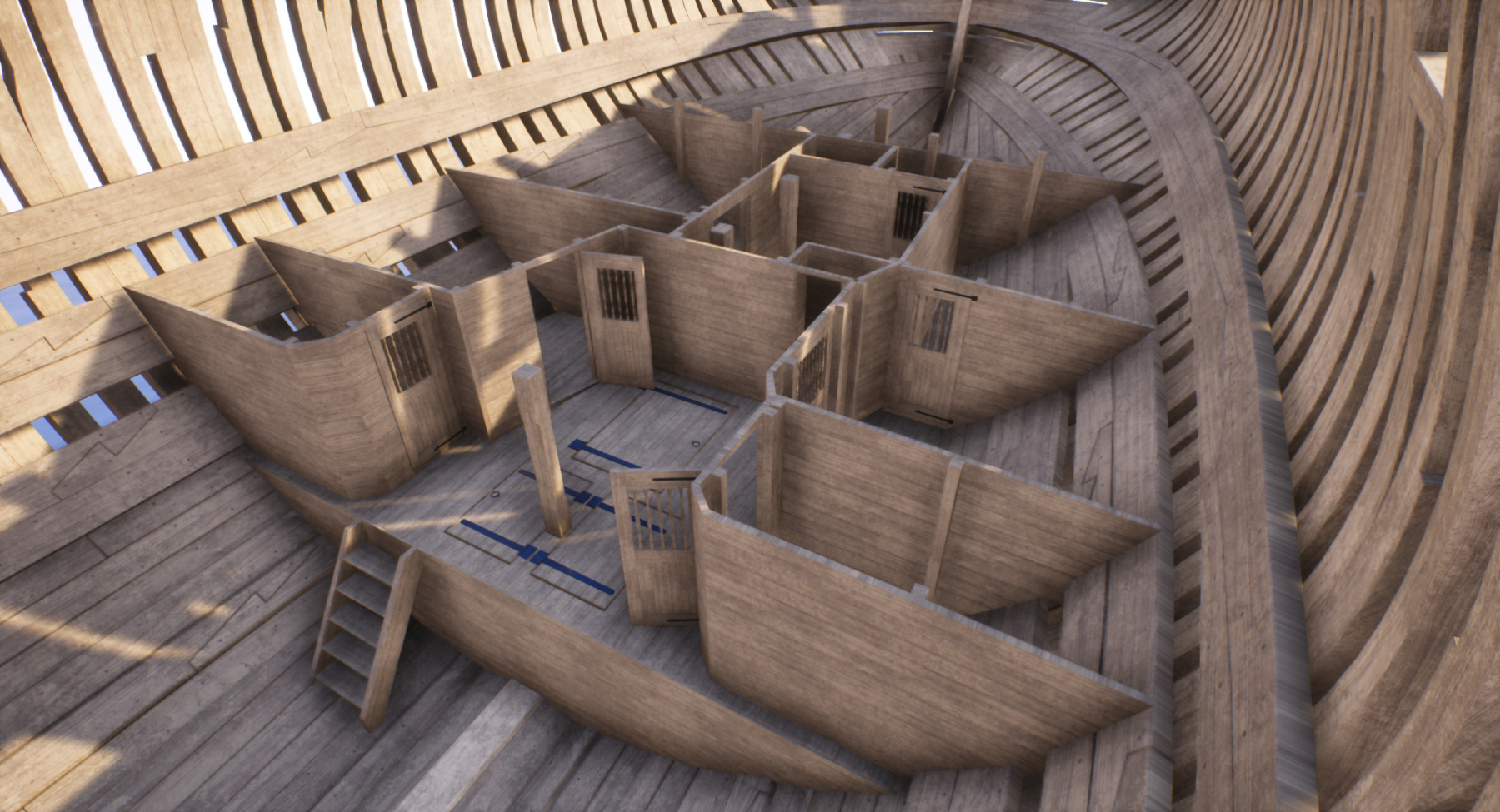
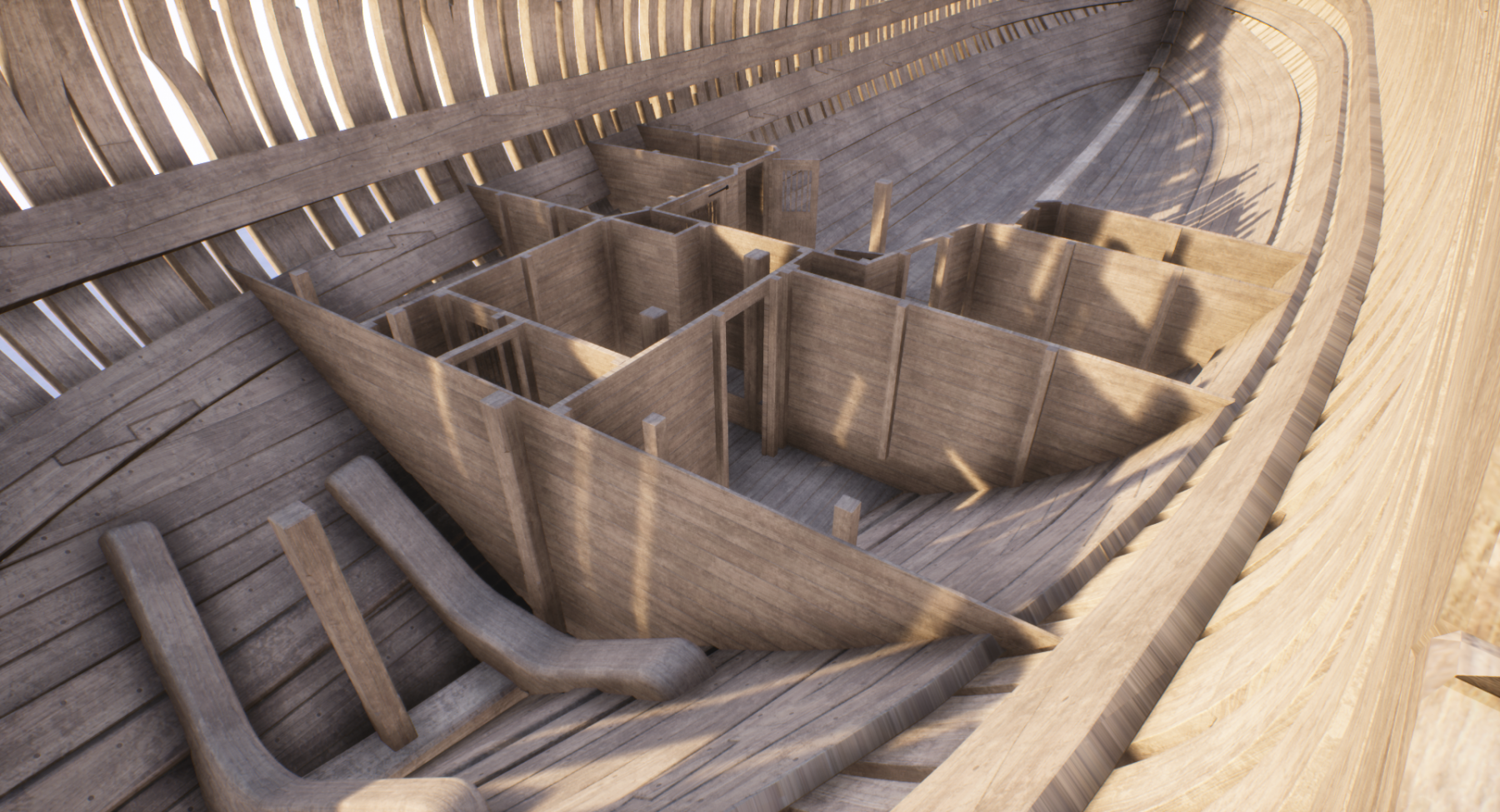
making progress in hold area... and some more screenshots from Unreal Engine 4.... starts to feel like walking through the ship ... ;-)) cheers! Denis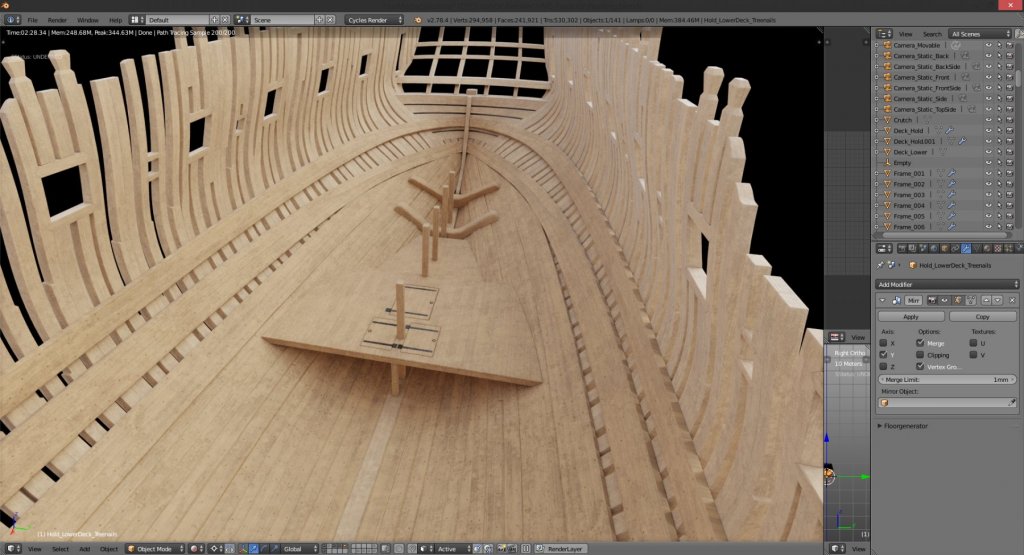
- 119 replies
-
- 12
-
-
Yet Another Pandora 3D build
herask replied to herask's topic in CAD and 3D Modelling/Drafting Plans with Software
I've seen that book mentioned several times across build logs. sadly, this can turn into real expensive hobby real fast. for now I'll manage with what I can find available online... ;-) -
Yet Another Pandora 3D build
herask replied to herask's topic in CAD and 3D Modelling/Drafting Plans with Software
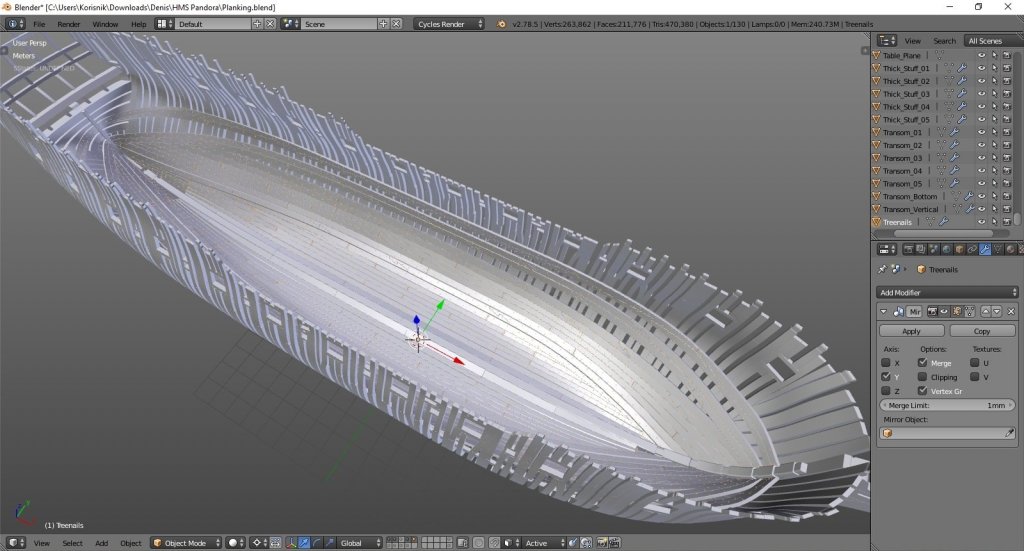
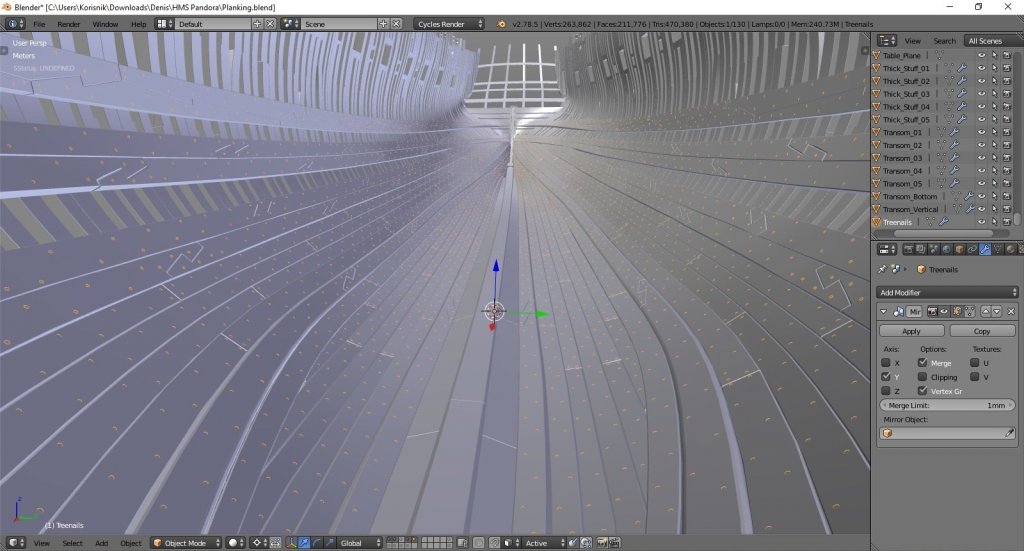
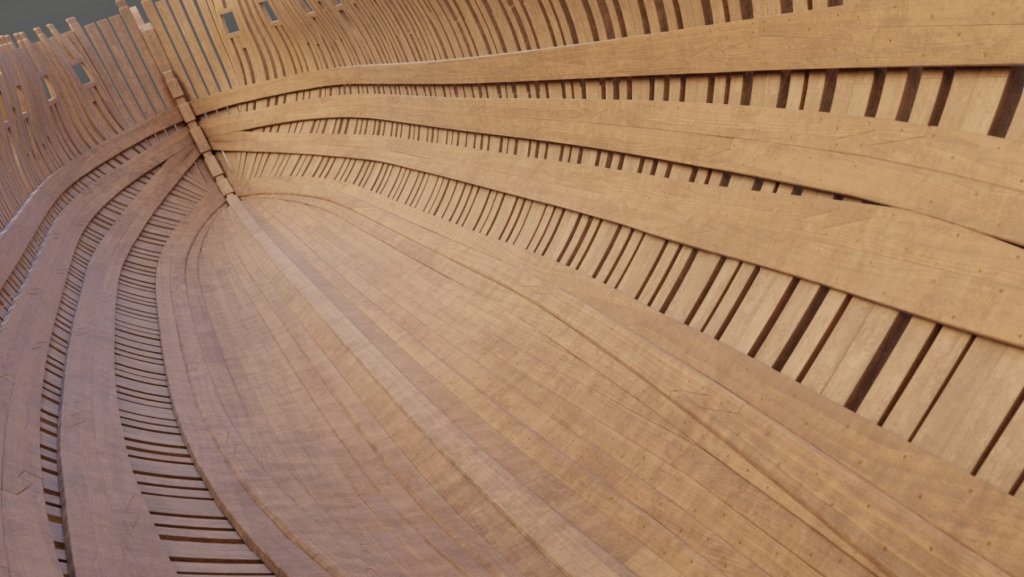
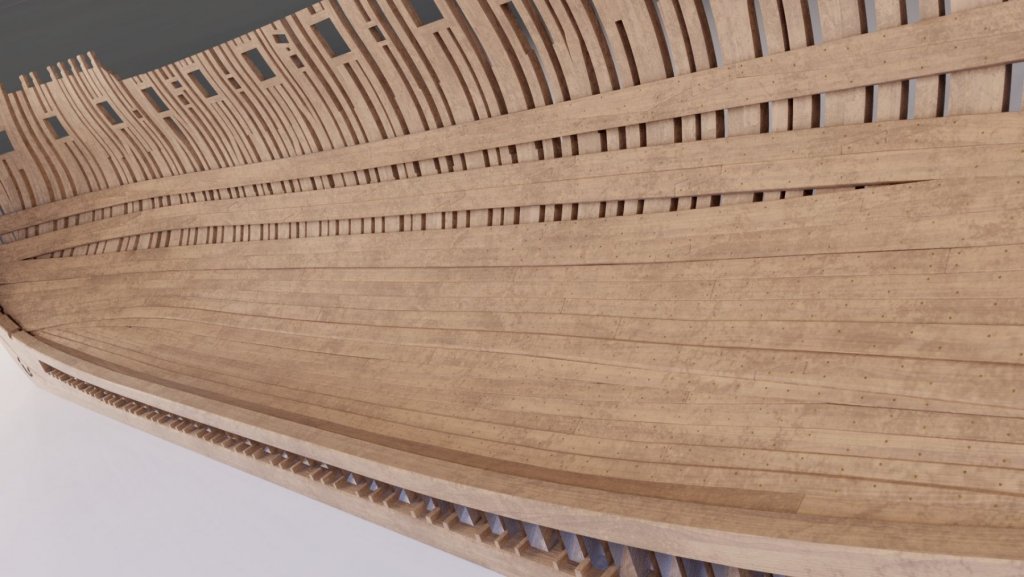
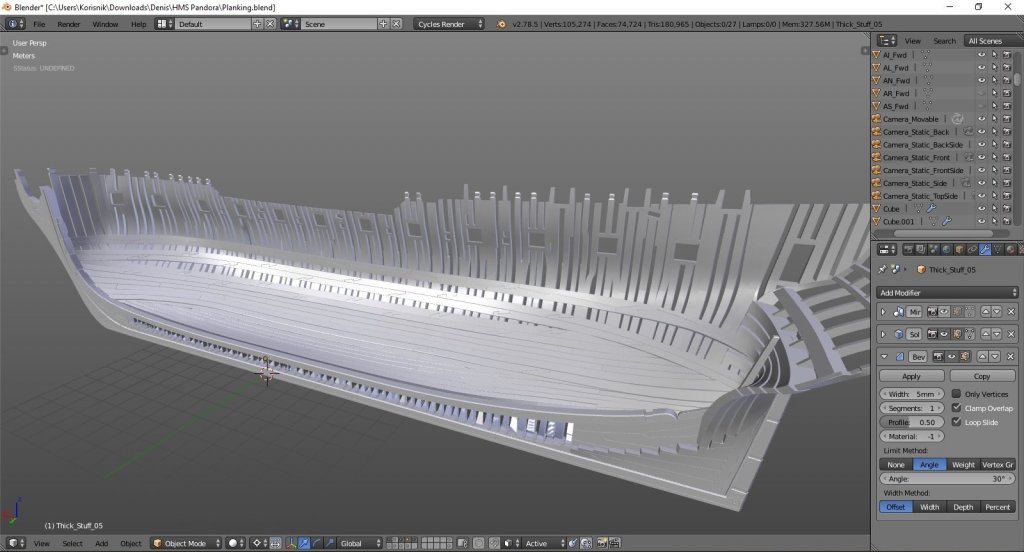
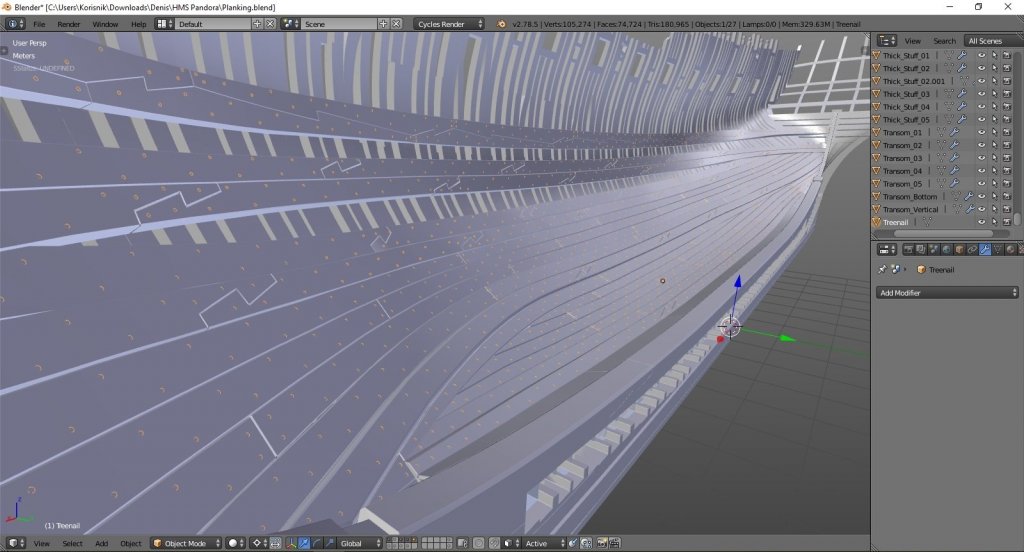
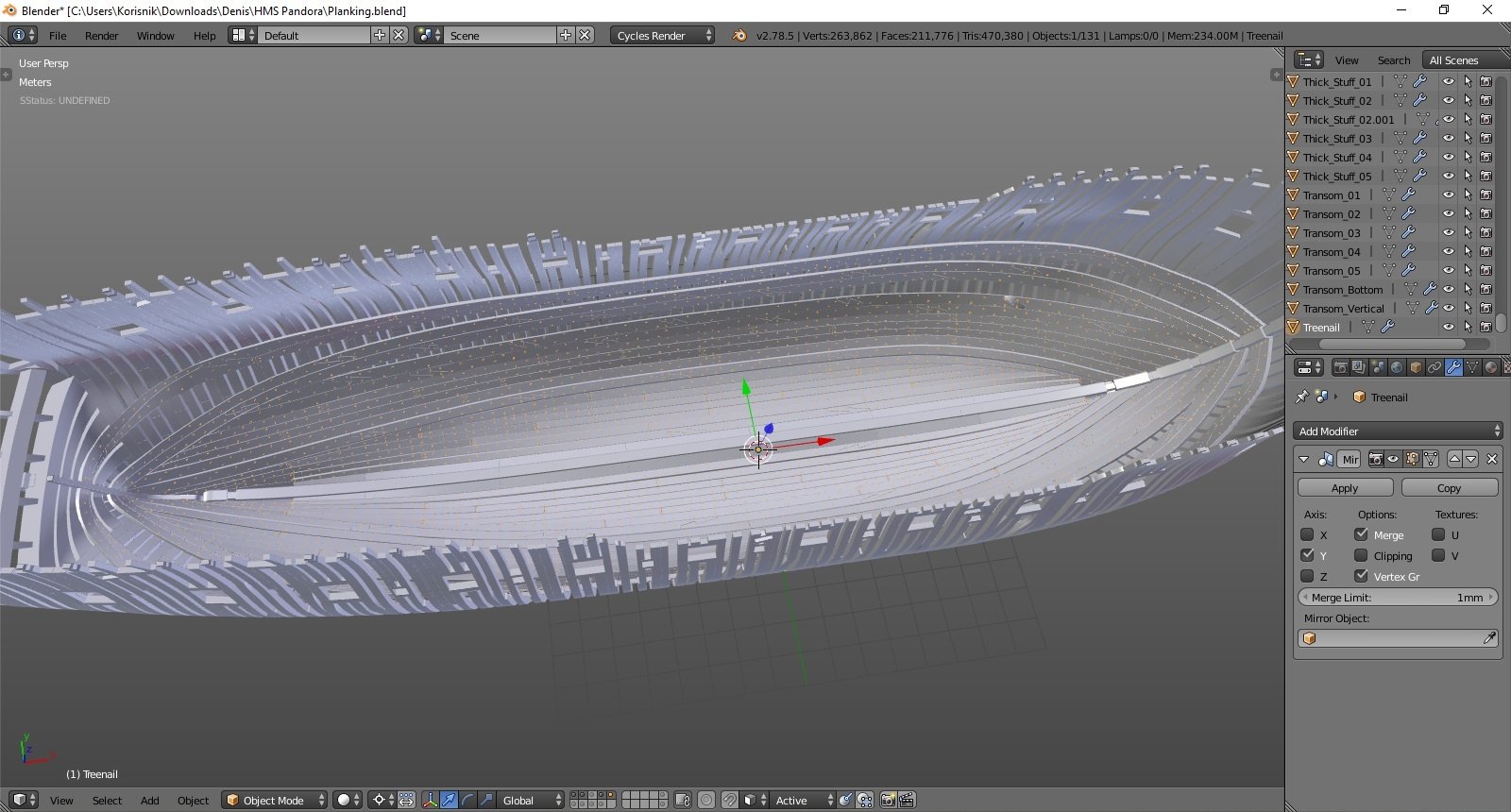
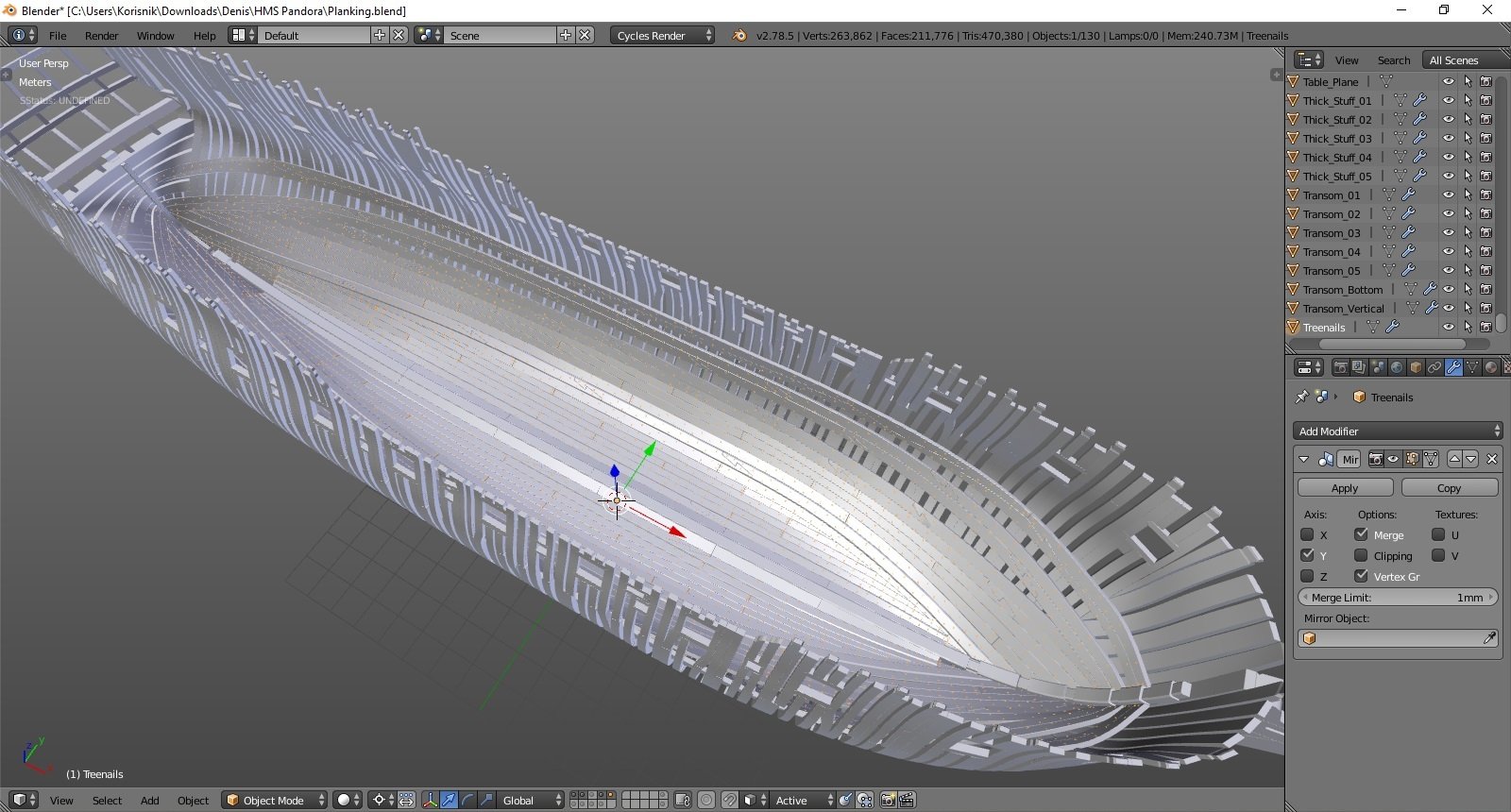
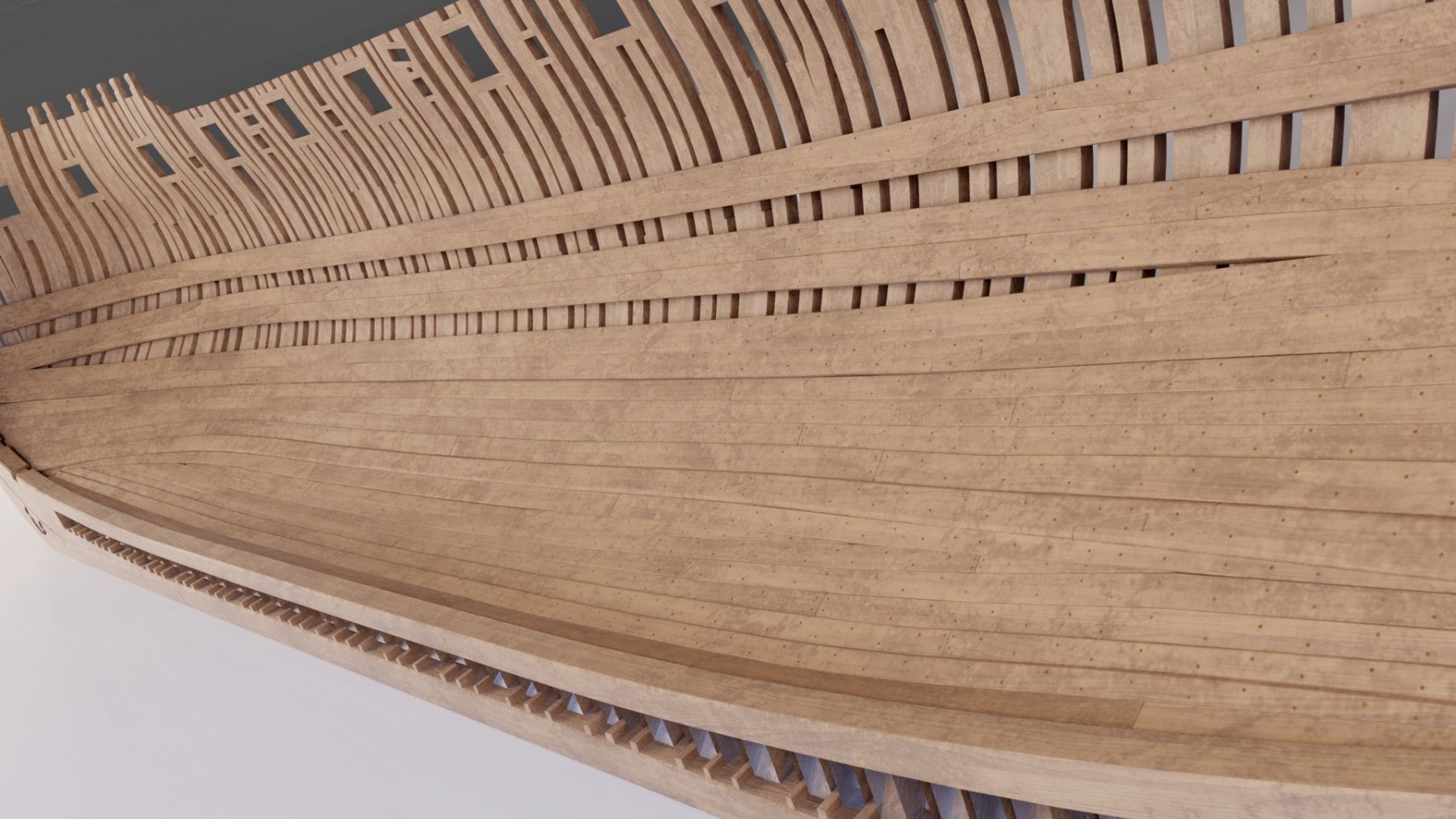
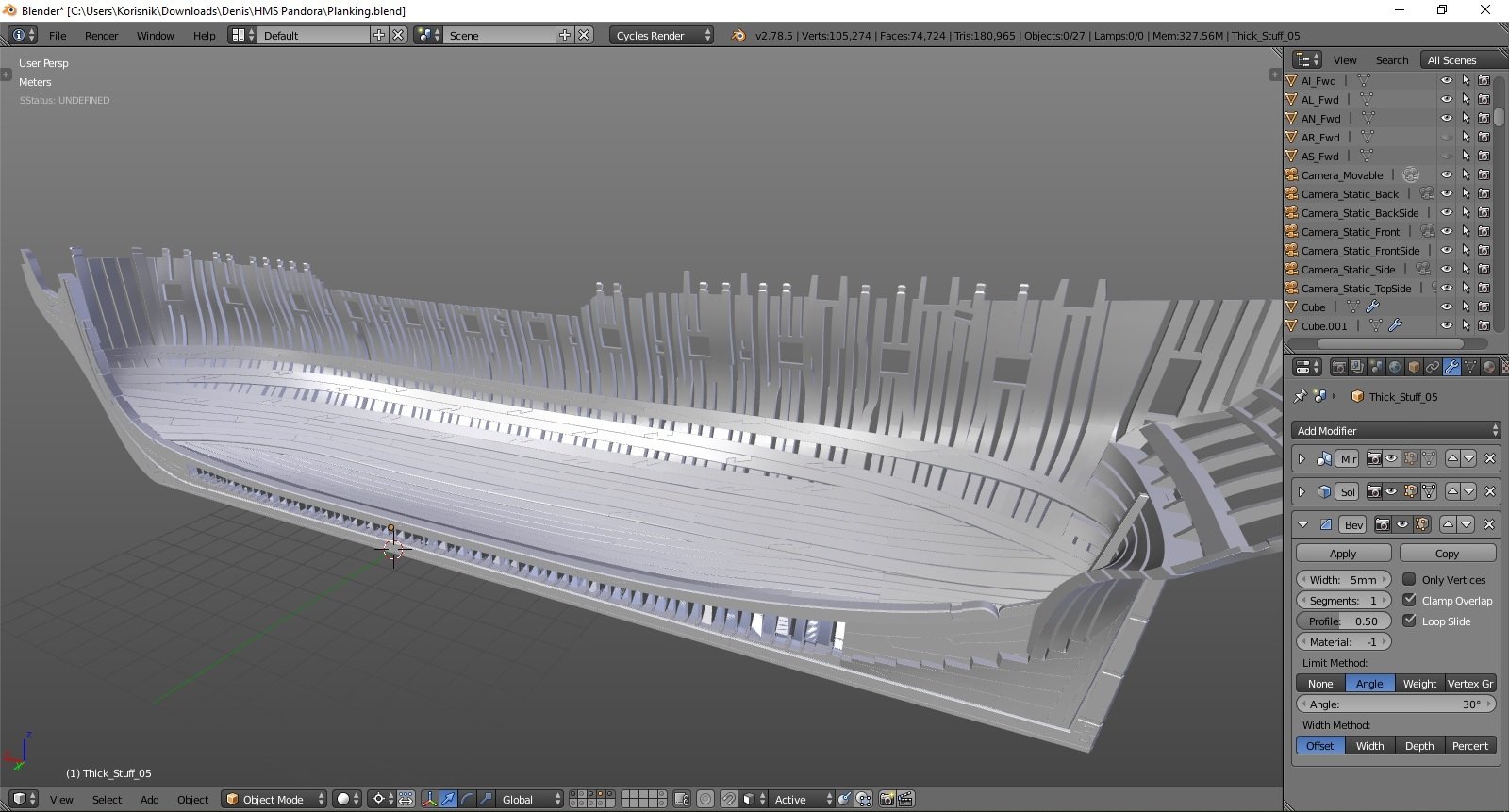
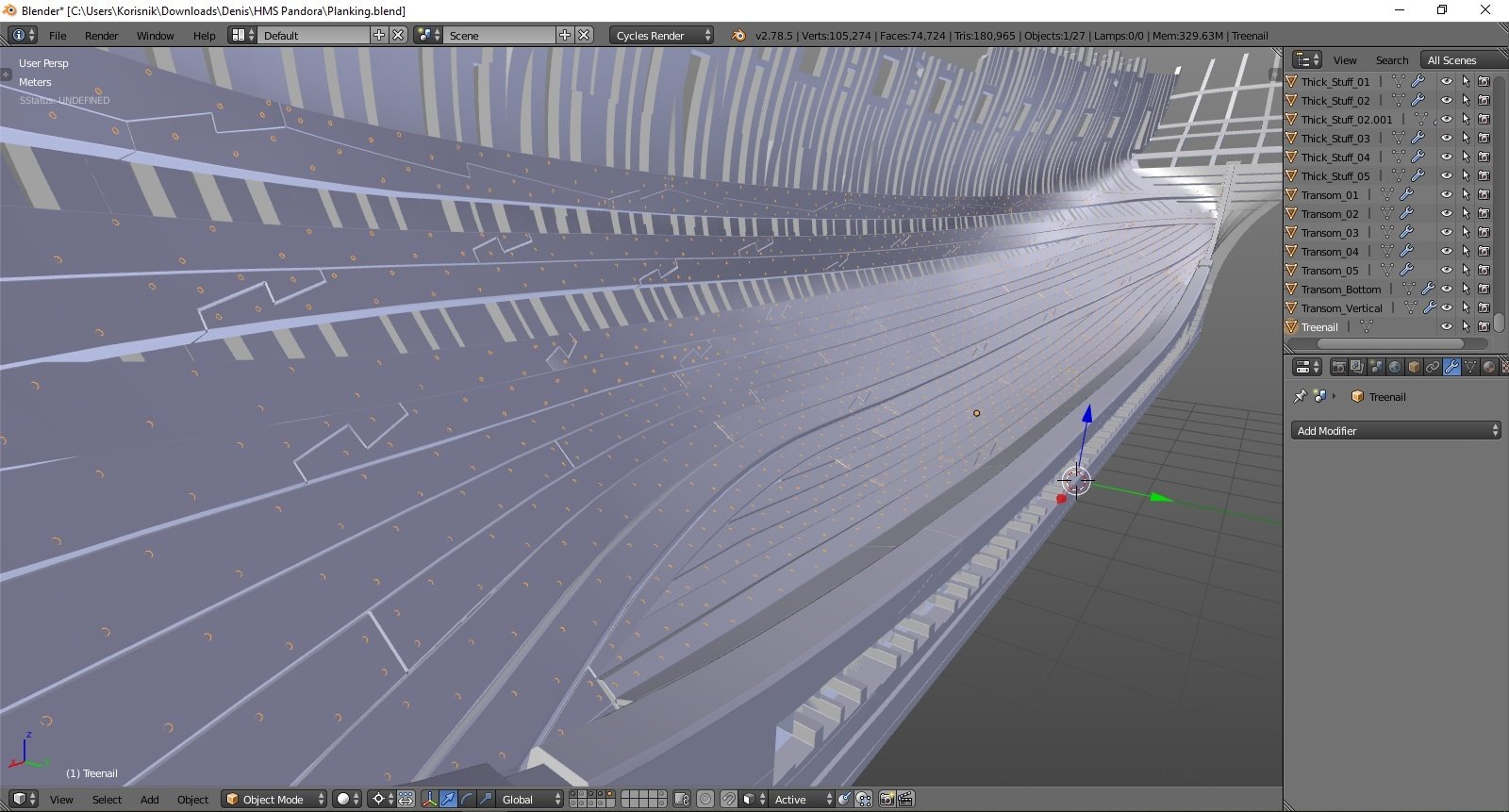
lower planking and treenails done. I can start modeling the hold... cheers Denis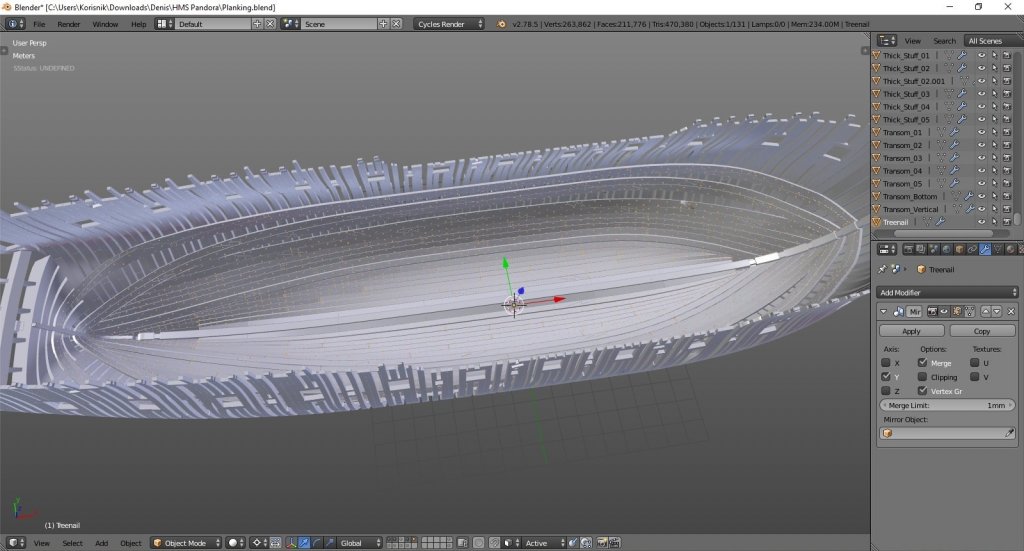








Our Emblem ®